
Podcast Shorts: How to Create YouTube Shorts from a Podcast
You can do it by hand in any editor, or upload the episode to Vyexa: the AI finds the moments, the Split layout keeps two hosts stacked in the frame, and subtitles are burned in automatically. This guide covers both ways.
1. Select the Podcast Episode and Identify Key Moments
Start by choosing the podcast episode you want to create Shorts from. Listen through or review the video to identify engaging or informative segments that can stand alone as short clips. Look for moments that are concise, interesting, and can capture attention quickly, ideally lasting 15 to 60 seconds. These highlights will form the core of your Shorts.
2. Extract and Edit Clips in Vertical Format
Once you have your key moments, extract those clips from the full episode. If your podcast is video-based, use video editing software or an AI tool like Vyexa to automatically cut highlights and convert them to the vertical 9:16 aspect ratio required by YouTube Shorts. If you only have audio, consider adding a static image or waveform animation to accompany the sound in the vertical format.
3. Add Subtitles to Improve Engagement
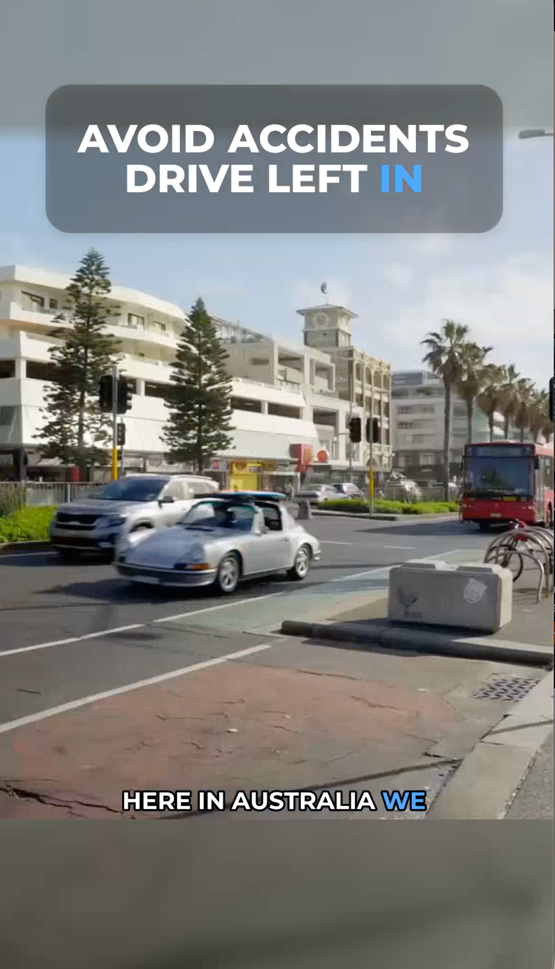
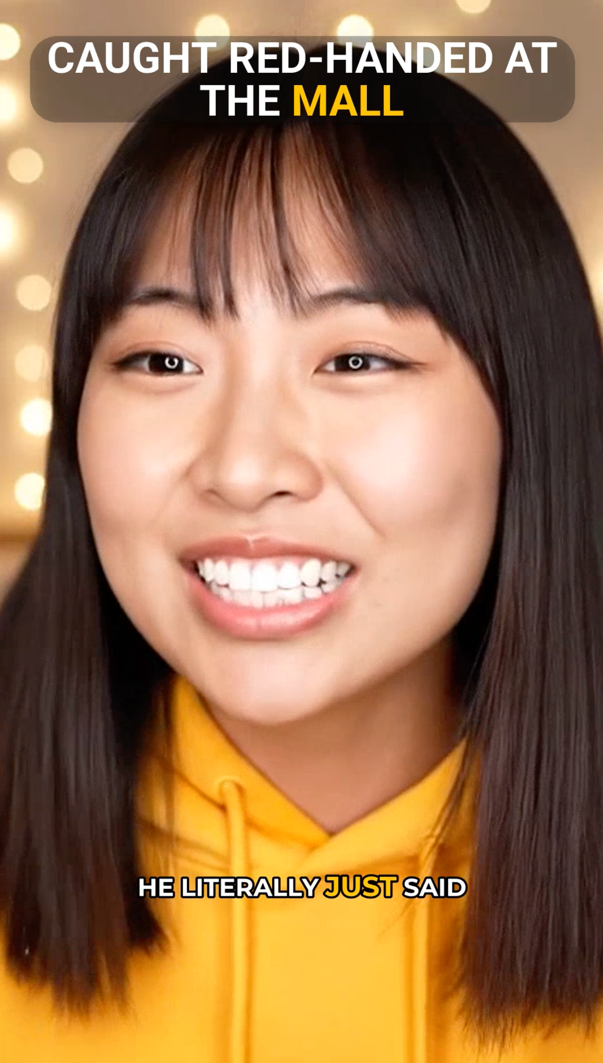
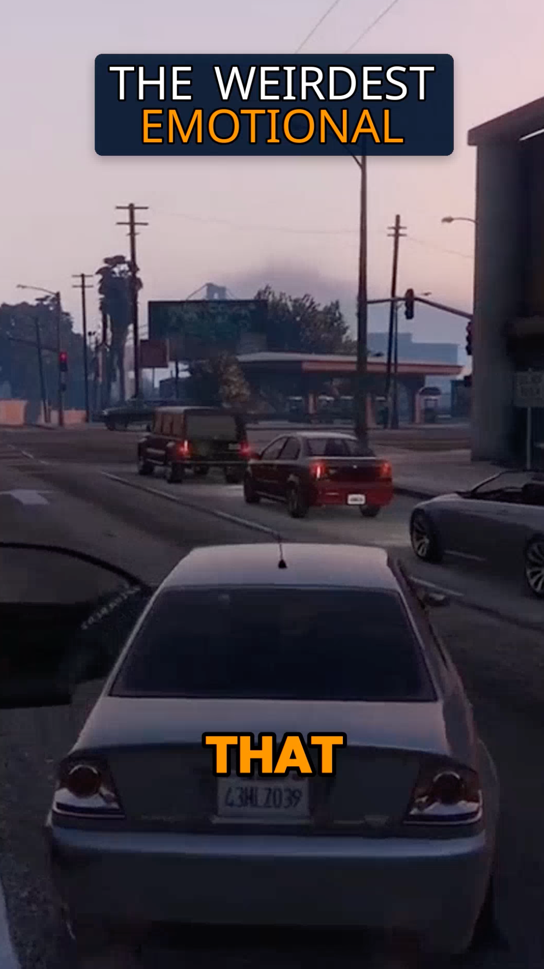
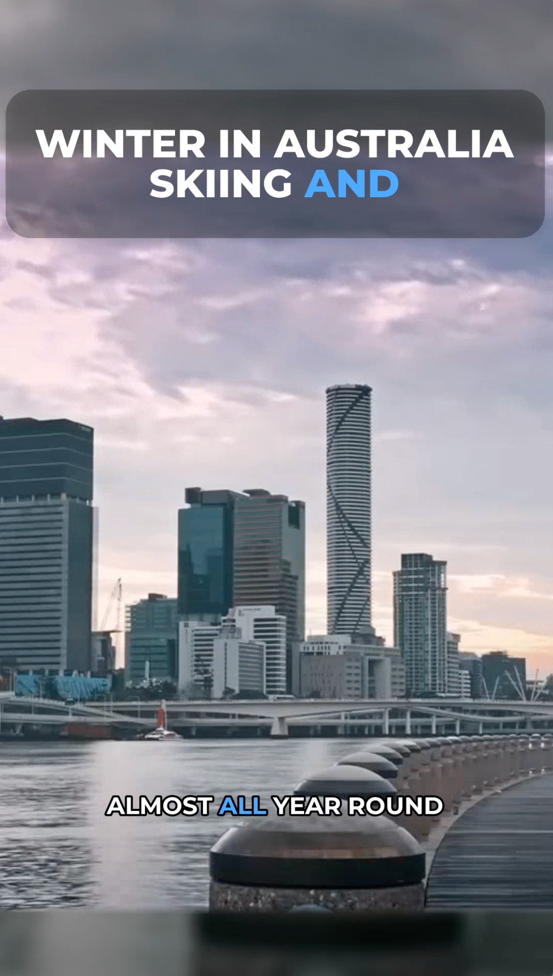
Subtitles are essential for Shorts since many viewers watch without sound. Use a tool or service that can generate accurate subtitles automatically. Vyexa, for example, can generate subtitles as part of its clip creation process. Ensure the text is easy to read and synchronized with the audio to enhance viewer comprehension and retention.
4. Export and Upload Your Shorts
After editing and subtitling, export your clips in a format compatible with YouTube Shorts, typically MP4 with a vertical 9:16 aspect ratio. Upload the clips to your YouTube channel and add relevant titles, descriptions, and hashtags to improve discoverability. Make sure to include #Shorts in the title or description to help YouTube categorize your video correctly.
Why creators use Vyexa
More clips. Less editing. Steady growth.
Create more content
Turn one video into 10-30 clips you can publish across platforms.

Save time
Skip manual editing and get ready-to-post clips automatically.
Grow faster
Keep daily short-form output and stay consistent with your audience.
5. Monitor Performance and Iterate
Once your Shorts are live, monitor their performance using YouTube Analytics. Pay attention to viewer retention, likes, and comments to understand what content resonates best. Use these insights to refine your selection and editing process for future Shorts, gradually improving engagement and reach.
Using a podcast to YouTube Shorts converter instead of manual editing
Manual editing is fine for one or two clips, but a weekly show quickly turns it into hours of scrubbing through the episode. A converter such as Vyexa does the slow part: it transcribes the episode, finds segments where a thought starts and finishes within a short clip, and crops the video to vertical 9:16.
For video podcasts with two hosts, the two-speaker layout keeps both people in frame, stacked one above the other; for a single host, the speaker fills the frame. Subtitles are generated automatically in the language of the episode, and you can adjust the font, colours and highlighted words in the live preview before exporting.
FAQ
Can I create YouTube Shorts from audio-only podcasts?
Yes, you can create Shorts from audio podcasts by pairing the audio clip with visuals like a static image, podcast logo, or waveform animation. This helps make the content more engaging and suitable for YouTube’s video platform.
What is the ideal length for a YouTube Short from a podcast?
Keep each podcast Short to one idea: a question and its complete answer, usually 15–60 seconds. A clip that ends on the point is watched to the end more often than a longer one that trails off.
Do I need special software to make Shorts from podcasts?
While you can use traditional video editing software, AI tools like Vyexa simplify the process by automatically cutting highlights, generating subtitles, and formatting clips for vertical video, saving time and effort.
Why are subtitles important for YouTube Shorts?
Many viewers watch Shorts without sound, so subtitles ensure your message is understood even on mute. They also improve accessibility and viewer engagement.
How do I optimize my Shorts for better visibility?
Use clear titles, relevant descriptions, and include #Shorts in your metadata. Engaging content and consistent posting also help improve visibility on YouTube’s Shorts shelf.
Is there a free podcast to YouTube Shorts converter?
Yes. Vyexa gives new creators up to 20 free shorts a month: upload an episode and get vertical clips with subtitles ready for YouTube Shorts. Free clips carry a Vyexa watermark; paid monthly plans remove it.
How do I make podcast Shorts with two hosts in the frame?
Choose the Split layout on the Clip Setup page: it stacks two people one above the other, so both hosts stay visible in the vertical frame. For a solo host, Full lets the speaker fill the frame; Auto adapts the framing shot by shot.
Can I make Shorts from a podcast in Telegram?
Yes, for a quick try: send the episode video to the Vyexa Shorts bot in Telegram and it returns vertical shorts of about 30 seconds. The first video is free, one per person; layouts and subtitle styles are chosen in the web app.
Free plan available · Paid plans from $15/mo · See pricing