
How to Turn Your Family YouTube Videos into Viral Shorts with Vyexa
How Vyexa Works: From Long-Form to Viral Shorts
Vyexa is designed for creators who want to quickly turn long YouTube videos into short, shareable clips. After scripting or brainstorming your content—whether with ChatGPT or on your own—simply download your finished video file. Upload it to Vyexa’s web app, and our AI will automatically detect viral or highlight moments in your video. Vyexa then generates vertical 9:16 clips, complete with burned-in subtitles in multiple languages. You can export these Shorts to TikTok, YouTube Shorts, Instagram Reels, or Facebook Reels. This workflow is perfect for anyone looking to boost their channel’s reach without spending hours on manual editing.
Manual and AI-Powered Editing Options
Vyexa offers both automated and manual editing modes. In AI mode, Vyexa scans your uploaded video for the best moments and creates Shorts around them—ideal for creators who want a fast, hands-off approach. If you prefer more control, use the manual mode to specify exactly which parts of your video to turn into Shorts, either by splitting the video into a set number of parts or by entering specific timecodes. This flexibility means you can use your own timestamps or those generated by ChatGPT to guide Vyexa, but you’ll need to enter them manually, as there is no direct integration.
Customization and Subtitle Features
Vyexa’s Shorts come with a range of customization options. Choose from multiple visual templates for subtitles, highlight key words in your video titles and captions, and toggle burned-in subtitles or auto-generated titles on or off in the settings. Subtitles are available in several languages, including Ukrainian, Russian, and Polish, making your Shorts accessible to a wider audience. Vyexa ensures your content looks polished and professional, even if you have no prior video editing experience.
Why creators use Vyexa
More clips. Less editing. Steady growth.

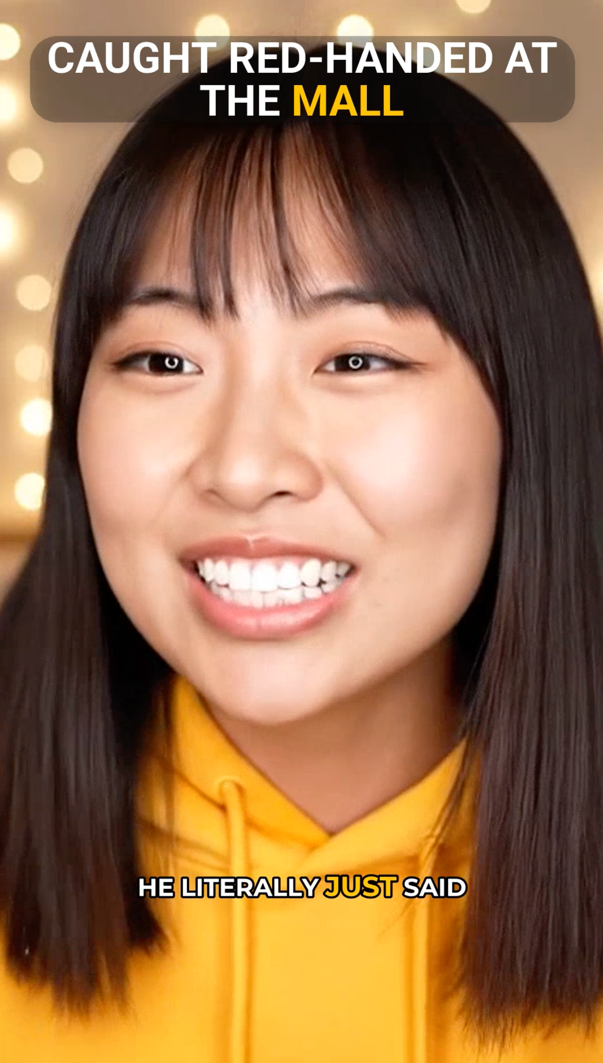
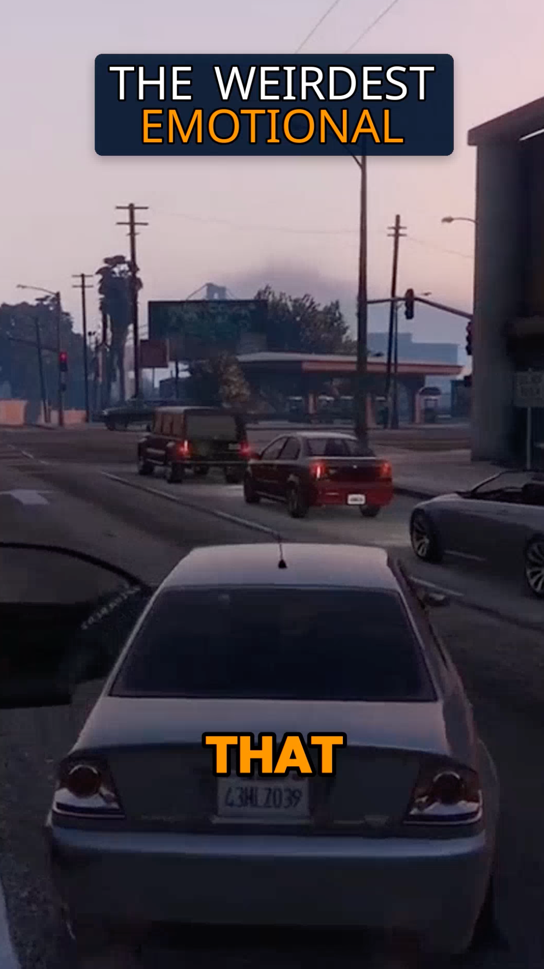
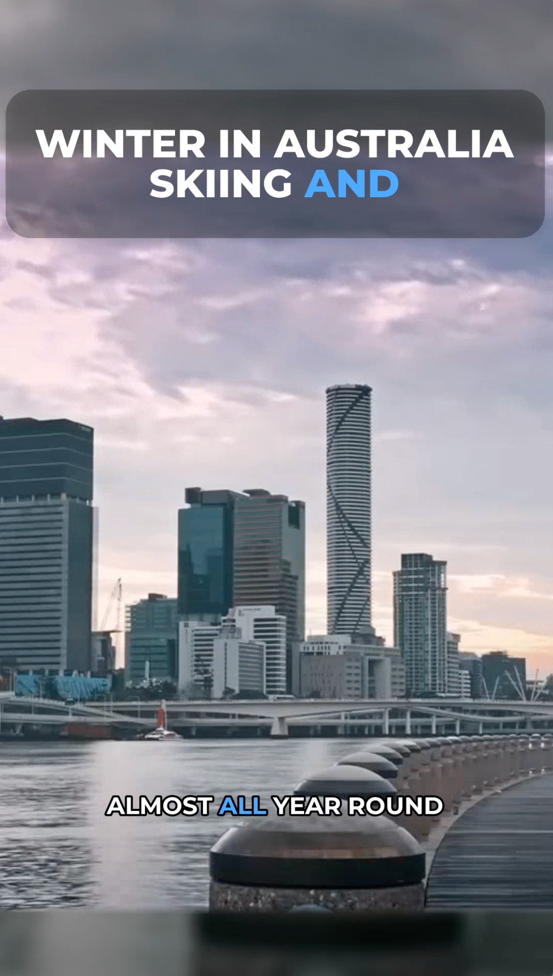
Create more content
Turn one video into 10-30 clips you can publish across platforms.

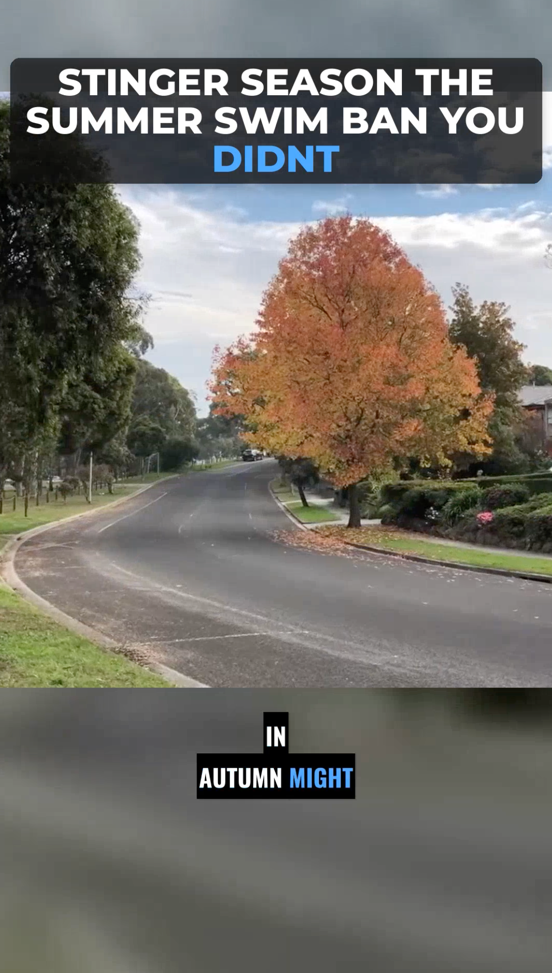
Save time
Skip manual editing and get ready-to-post clips automatically.
Grow faster
Keep daily short-form output and stay consistent with your audience.
Vyexa Pricing and Free Plan Details
Vyexa’s web app offers a free tier for new and beginner creators, allowing you to generate up to 20 Shorts per month at no cost. This monthly quota resets every month, so you can keep posting consistently. If you need more Shorts, paid monthly plans are available—visit vyexa.net for the latest pricing details. All Shorts created on the free plan include a Vyexa watermark; upgrading to a paid plan removes the watermark from your exports.
FAQ
Can Vyexa handle subtitles in Ukrainian, Russian, and Polish accurately?
Yes, Vyexa’s AI generates native-quality burned-in subtitles in multiple languages including Ukrainian, Russian, and Polish. This helps ensure your Shorts are accessible and engaging for your target audience without subtitle errors.
Do I need any video editing skills to use Vyexa with ChatGPT scripts?
No video editing skills are required. Vyexa automates the process of detecting highlights, cropping to vertical format, and adding subtitles. You can also manually select clips by timecodes if you prefer more control. While Vyexa does not directly process scripts or timestamps from ChatGPT, you can use those as a guide when choosing which moments to clip.
Is there a free option to try Vyexa for repurposing videos?
Yes, new and beginner creators get up to 20 free Shorts per month with Vyexa’s web app. This quota resets every month, allowing you to keep posting consistently before deciding if you want to upgrade to a paid plan.
Does Vyexa integrate directly with ChatGPT or process scripts automatically?
No, Vyexa does not have any direct integration with ChatGPT and does not process scripts or timestamps from ChatGPT automatically. You can use ChatGPT to help script or plan your videos, then manually upload your finished video to Vyexa and select highlights for Shorts creation.
Can I use Vyexa for YouTube Shorts if my videos are scripted with ChatGPT?
Absolutely. Vyexa is ideal for turning any long-form video—including those scripted with ChatGPT—into YouTube Shorts. Just upload your video file to Vyexa and use the AI or manual modes to create your clips.
Free plan available · Paid plans from $15/mo · See pricing