
How to Auto-Generate Subtitles for Instagram Reels
Step 1: Prepare Your Long-Form Horizontal Video
Start with a high-quality long-form horizontal video that you want to convert into Instagram Reels. Ensure the content is clear and engaging, as this will help the AI identify the most important moments. Having a well-lit and audible video improves subtitle accuracy. If you don’t have a video ready, record or select one that fits your message and audience.
Step 2: Upload Your Video to an AI Subtitle Generator
Use an AI-powered tool like Vyexa, which can auto-detect viral or highlight moments in your video and generate vertical 9:16 clips. Upload your horizontal video to Vyexa’s web app at vyexa.net or use the Telegram bot for mobile convenience. The AI will analyze the video to identify key segments and prepare them for subtitle generation automatically.
Step 3: Enable Auto-Generated Subtitles and Select Language
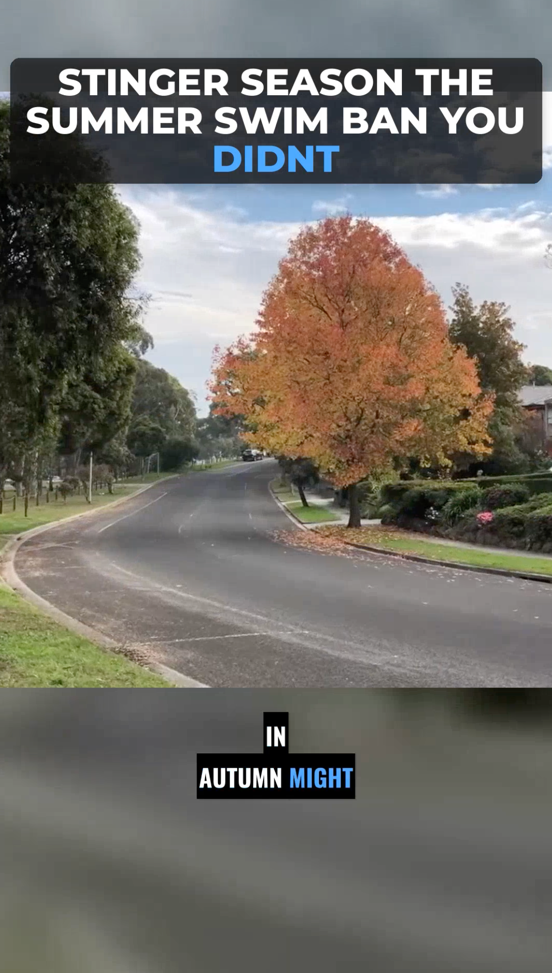
In the settings of the AI tool, toggle the option to auto-generate burned-in subtitles. Vyexa supports multiple languages, so select the subtitle language that best suits your audience. This feature ensures subtitles appear directly on the video, making it easier for viewers to follow along without sound.
Step 4: Customize Subtitle Style and Highlight Keywords
Choose from various visual style templates offered by the tool to match your brand or content style. Vyexa allows you to customize subtitle appearance, including font, color, and rhythm. You can also enable colored highlights on key words in the subtitles and titles to draw attention and improve viewer retention.
Why creators use Vyexa
More clips. Less editing. Steady growth.
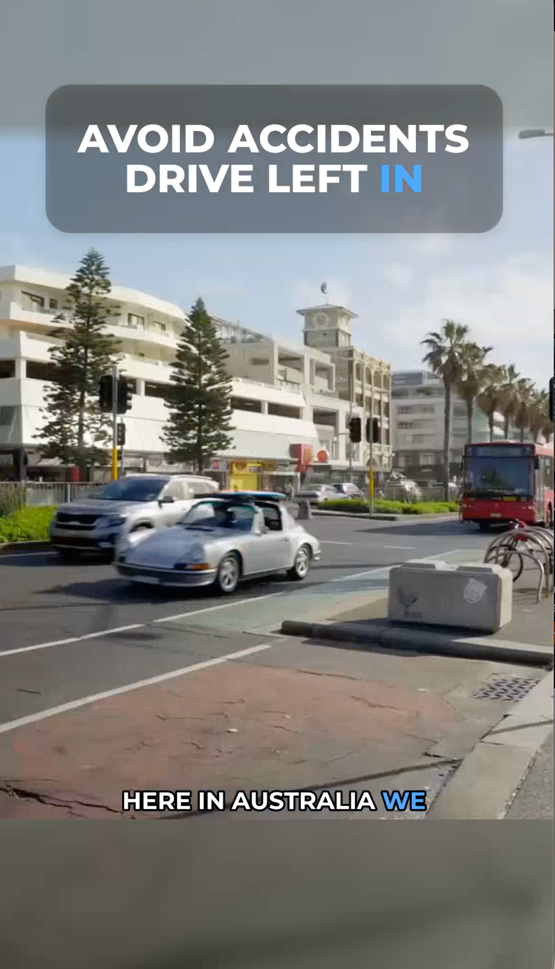
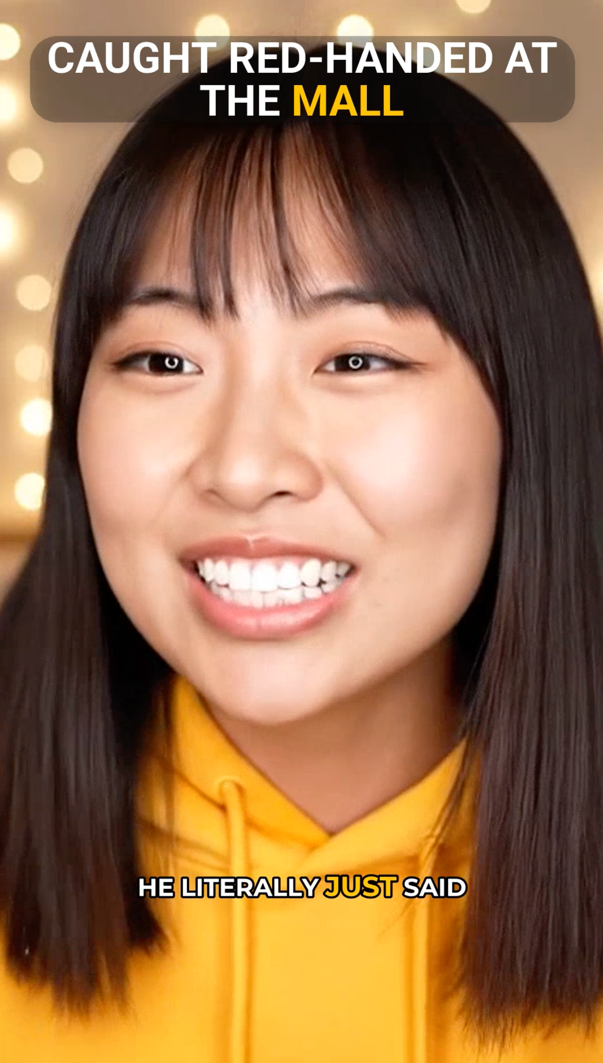
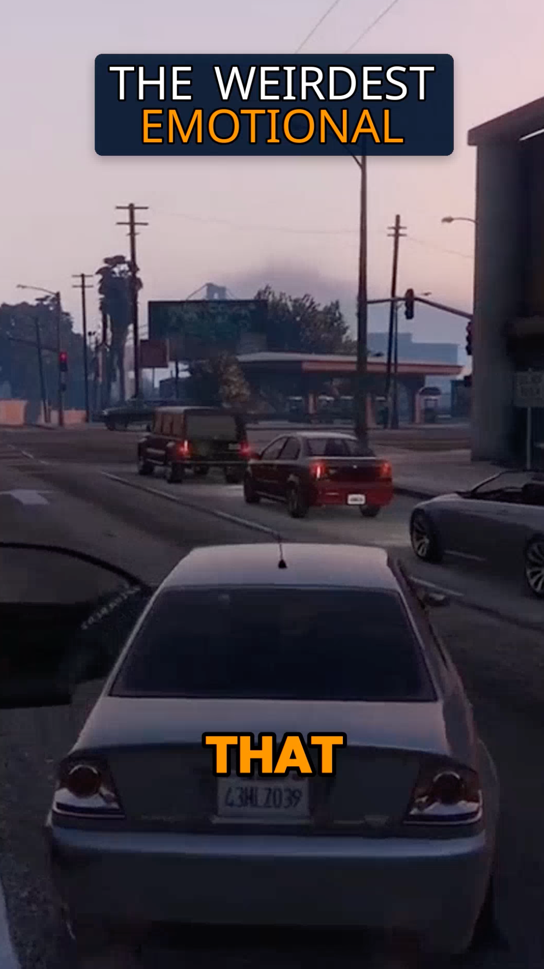
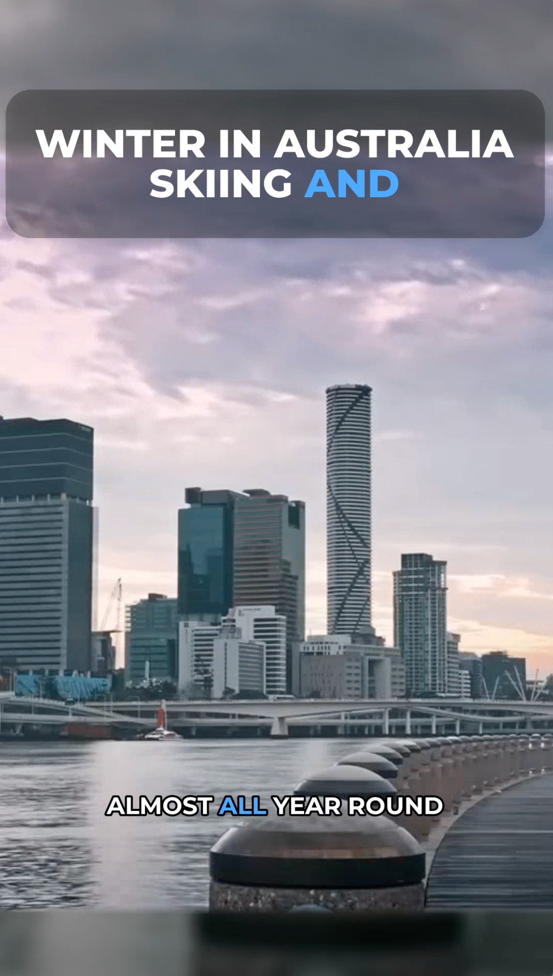
Create more content
Turn one video into 10-30 clips you can publish across platforms.
Save time
Skip manual editing and get ready-to-post clips automatically.
Grow faster
Keep daily short-form output and stay consistent with your audience.
Step 5: Preview and Edit Your Vertical Clip
After the subtitles are generated, preview the vertical 9:16 clip to ensure timing and accuracy are correct. If needed, use the manual mode to split the video into specific parts or cut fragments using timecodes. This step helps you fine-tune the clip before posting it to Instagram Reels.
Step 6: Download and Upload to Instagram Reels
Once satisfied with the subtitle placement and video formatting, download the final clip from Vyexa. The video is now ready to be uploaded directly to Instagram Reels. Posting videos with auto-generated subtitles can increase engagement, especially for viewers watching without sound.
FAQ
Can I auto-generate subtitles in languages other than English?
Yes, Vyexa supports multiple languages for auto-generated subtitles, allowing you to reach a broader audience by selecting the subtitle language that fits your content.
Do I need to install any software to use Vyexa?
No installation is required. Vyexa is available as a web app and a Telegram bot, so you can upload and process videos directly from your browser or mobile device.
Is there a limit to how many videos I can subtitle for free?
Vyexa offers up to 20 free shorts per month for new and beginner creators. This quota resets monthly, encouraging consistent posting. Paid plans are available for creators needing more clips.
Can I manually adjust subtitle timing after auto-generation?
Yes, Vyexa provides manual modes to split videos or cut specific fragments using timecodes, giving you control to refine subtitle timing and clip length.
Free plan available · Paid plans from $15/mo · See pricing