
How to Instantly Create Shorts with Native Hindi and Arabic Subtitles (No Manual Editing Needed)
What’s New: Native Hindi and Arabic Subtitles with AI
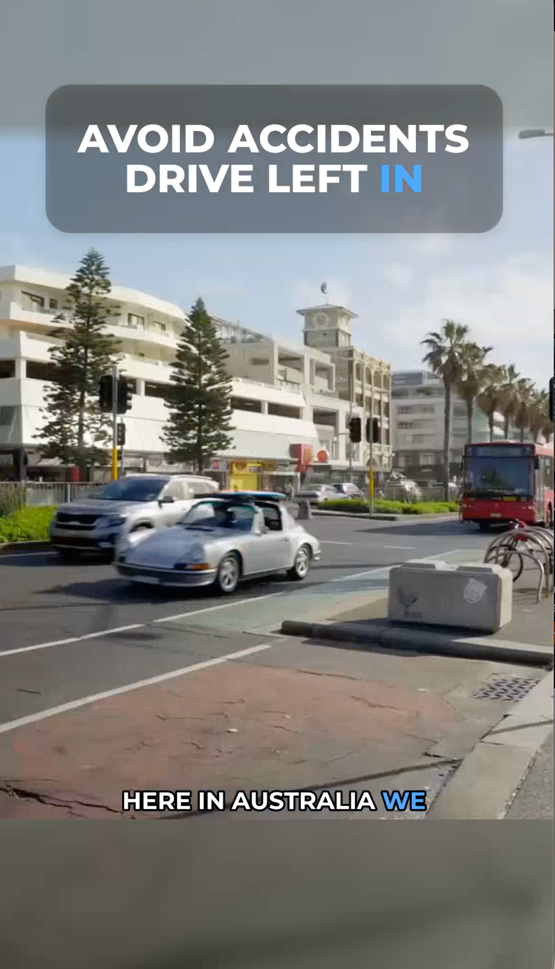
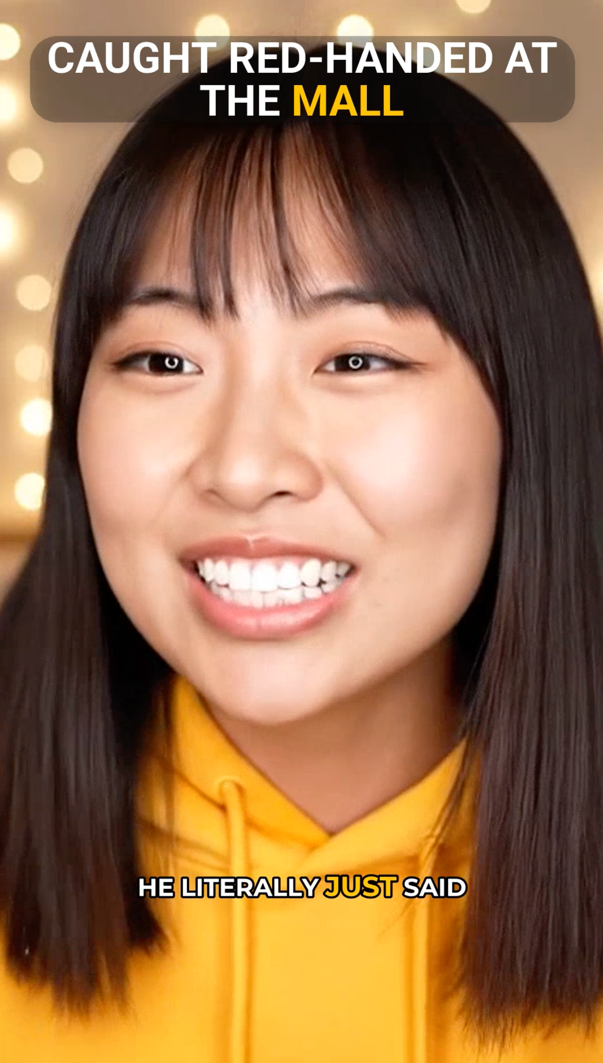
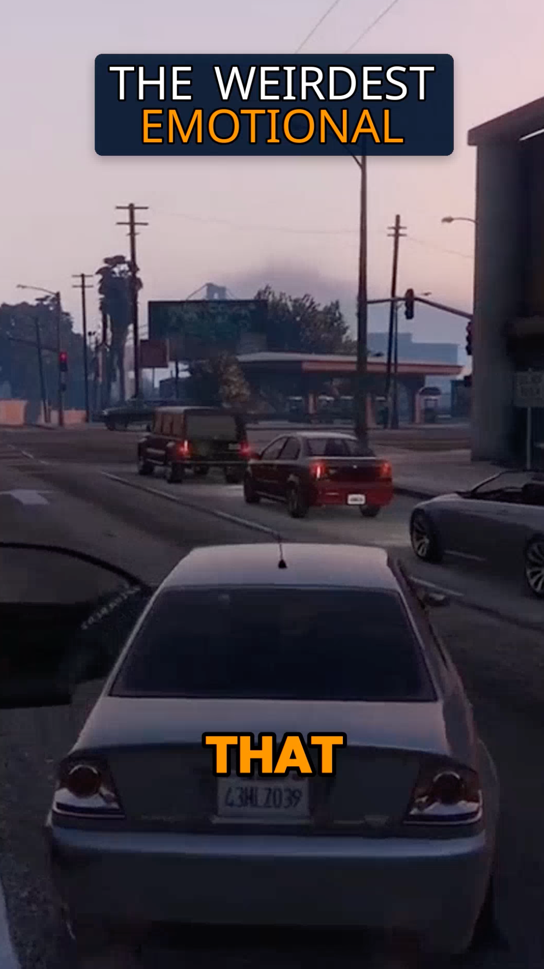
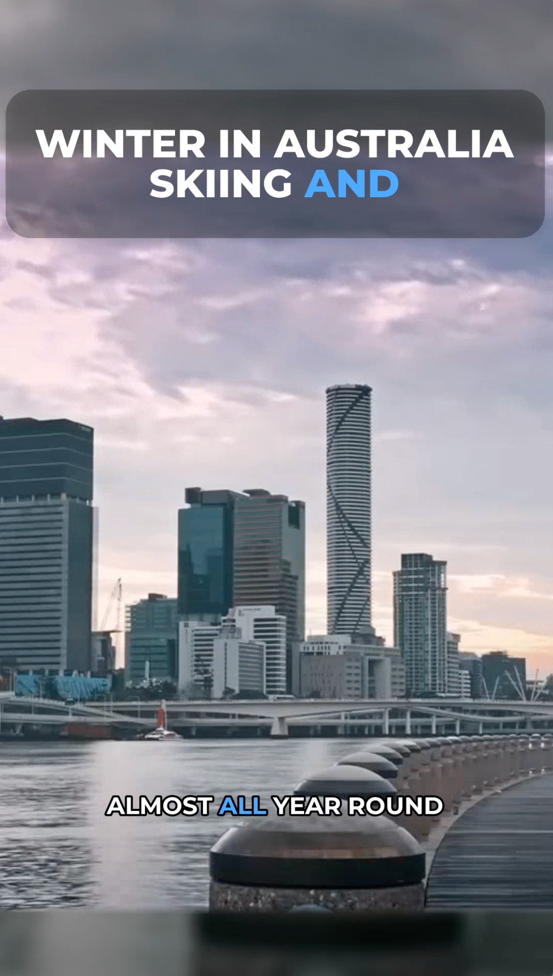
Vyexa’s latest update focuses on native-language subtitle accuracy for Hindi and Arabic creators. Unlike many video editing tools that break complex scripts or force English captions, Vyexa’s AI auto-detects viral moments in your long videos and generates vertical 9:16 clips with subtitles burned in perfectly in Devanagari or Arabic scripts. You simply upload your long-form horizontal video, select Hindi or Arabic as the subtitle language, and Vyexa does the rest. The subtitles include colored highlights on key words and multiple visual style templates to make your Shorts stand out visually on platforms like TikTok, YouTube Shorts, and Instagram Reels. This feature is available both on our web app and Telegram bot, making it easy to create Shorts anywhere.
Why Native Subtitles Matter for Hindi and Arabic Creators
Subtitles in native scripts are crucial for engaging regional audiences effectively. Many creators working in Hindi or Arabic face frustration when their subtitles default to English or contain errors that confuse viewers. This can limit your reach and reduce viewer retention. With Vyexa, you no longer need to manually edit subtitles or settle for inaccurate captions. Accurate native subtitles improve accessibility, increase watch time, and help your content resonate deeply with your local audience. This is especially valuable for family vloggers, educators, and regional content creators with subscriber counts between 1,000 and 50,000 who want to grow their presence in native-language communities.
Why creators use Vyexa
More clips. Less editing. Steady growth.
Create more content
Turn one video into 10-30 clips you can publish across platforms.

Save time
Skip manual editing and get ready-to-post clips automatically.
Grow faster
Keep daily short-form output and stay consistent with your audience.
How to Try Vyexa and Start Creating Shorts with Native Subtitles
Getting started with Vyexa is simple. Visit vyexa.net and upload your long horizontal video. Choose Hindi or Arabic as your subtitle language, then let the AI generate vertical Shorts with native subtitles automatically. You can preview and download up to 20 Shorts per month for free, making it easy to test how native subtitles impact your engagement. For creators who need more clips, paid plans are available. You can also use our Telegram bot for a mobile-friendly experience without installation. Try Vyexa today and see how native-language subtitles can help your Shorts stand out and connect with your audience more effectively.
FAQ
Can Vyexa generate subtitles in native Hindi and Arabic scripts accurately?
Yes, Vyexa’s AI is designed to handle complex scripts like Devanagari and Arabic natively, producing accurate burned-in subtitles without errors or fallback to English.
Do I need to manually edit subtitles after Vyexa generates them?
No manual editing is needed. Vyexa automatically generates and burns subtitles into your Shorts, saving you time and effort.
Is there a free plan to try Vyexa’s subtitle features?
Yes, new and beginner creators can generate up to 20 Shorts per month for free with native subtitles. Paid plans are available for higher usage.
Free plan available · Paid plans from $15/mo · See pricing