
Turn a Podcast Episode into Shorts
Why Convert Podcast Episodes into Shorts?
Short-form video content is one of the fastest growing formats on social media platforms. By converting podcast episodes into bite-sized vertical clips, creators can reach wider audiences, increase engagement, and promote their full episodes effectively. Short clips are easier to consume and share, making them ideal for platforms like TikTok and Instagram Reels. Vyexa helps podcast creators repurpose their content without needing advanced video editing skills or software.
How Vyexa Converts Podcast Episodes to Vertical Shorts
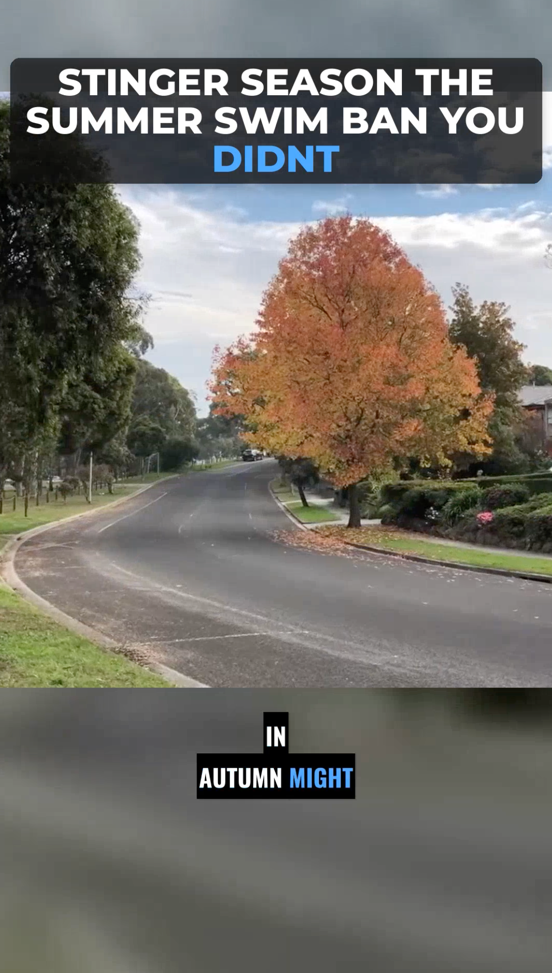
Vyexa uses AI to automatically detect viral or highlight moments within your long horizontal podcast videos. It then generates vertical 9:16 clips ready for short-form platforms. The tool also auto-generates burned-in subtitles in multiple languages, enhancing accessibility and viewer retention. You can choose from multiple visual style templates that customize subtitle appearance, rhythm, and title formatting. Additionally, Vyexa highlights key words in titles and subtitles with color to draw attention to important points.
Control the look of your clips
On the Clip Setup page, right after upload, you choose how the clips look before anything is generated: the layout (Auto adapts shot by shot, Split stacks two people, Full lets a single speaker fill the frame), the subtitle style and position, the title style or no title at all, the font and the highlight colour for key words, all with a live preview. Under Advanced you can also set the clip length, the number of clips and the language.
Why creators use Vyexa
More clips. Less editing. Steady growth.

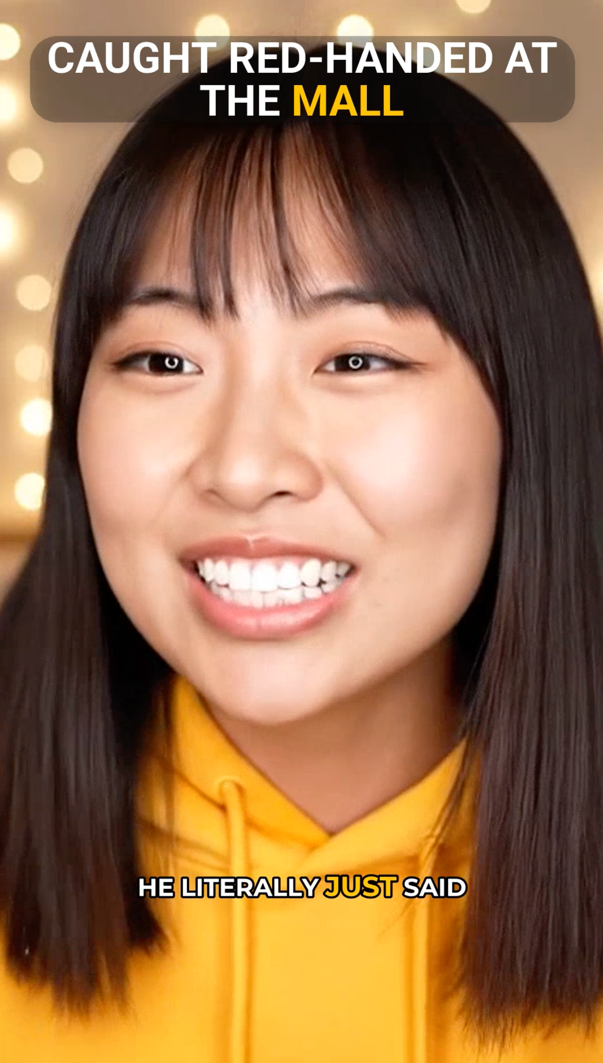
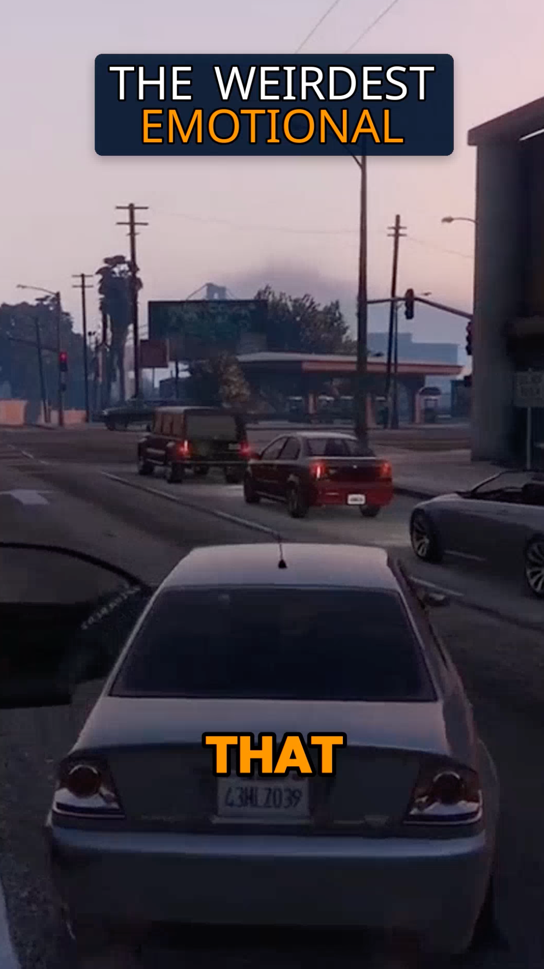
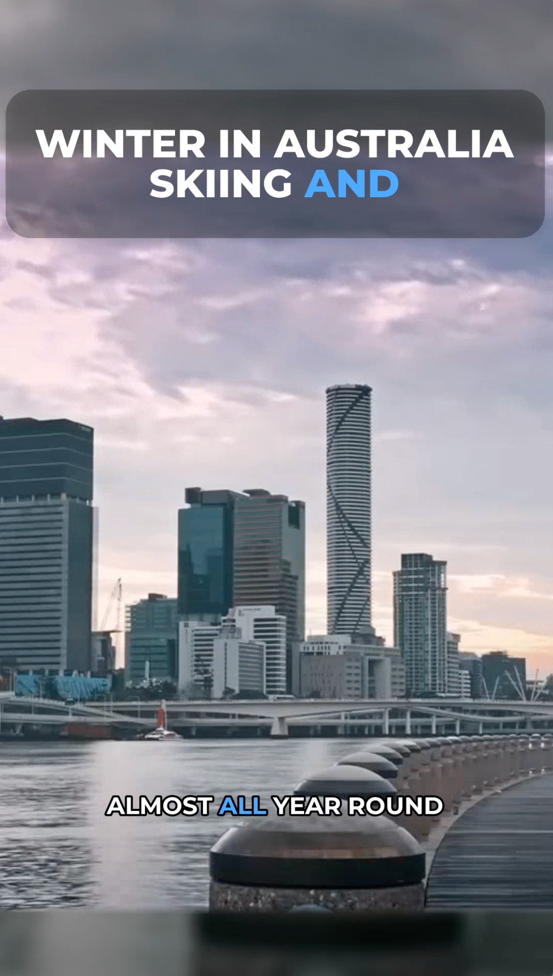
Create more content
Turn one video into 10-30 clips you can publish across platforms.
Save time
Skip manual editing and get ready-to-post clips automatically.
Grow faster
Keep daily short-form output and stay consistent with your audience.
Getting Started with Vyexa
Vyexa is available as a web app at vyexa.net and as a Telegram bot, providing full functionality without installation and with mobile-friendly access. New and beginner creators can generate up to 20 free shorts per month, with the quota resetting monthly to encourage consistent posting. Paid plans are available for creators who need more clips. Simply upload your podcast episode video, let Vyexa process it, preview the generated shorts, and download them for immediate sharing on your favorite platforms.
More recordings you can turn into shorts
The same workflow works for other long recordings: a webinar recording turned into highlight clips or an interview cut into short vertical clips.
FAQ
Can Vyexa handle podcasts in different languages?
Yes, Vyexa auto-generates burned-in subtitles in multiple languages, making your short clips accessible to a broader audience regardless of the podcast’s original language.
Do I need video editing experience to use Vyexa?
No. Vyexa's AI finds the moments, adds subtitles and crops to 9:16, so you do not need any video editing skills.
How many shorts can I create for free each month?
New and beginner creators can generate up to 20 free shorts per month using Vyexa’s web app, with the quota resetting every month.
Can I customize the style of my short clips?
Yes, Vyexa offers multiple visual style templates for subtitles, titles, and highlight colors, allowing you to customize the look of your clips.
Is Vyexa available on mobile devices?
Vyexa is accessible via a mobile-friendly Telegram bot and a web app, so you can create and download clips directly from your smartphone or tablet.
Free plan available · Paid plans from $15/mo · See pricing