
Convert a Webinar into Highlight Clips for TikTok, Reels and Shorts
Upload a webinar recording and Vyexa turns it into short highlight clips. The AI finds moments that make sense on their own — an answer to an audience question, a framework explained in a minute, a quick demo — and exports each one as a vertical 9:16 clip with burned-in subtitles for TikTok, YouTube Shorts, Instagram Reels and Facebook Reels. No editing skills needed, and new creators get up to 20 free shorts a month.
Why Convert Your Webinar to Shorts?
Short-form video content is dominating social media platforms, offering a powerful way to reach wider audiences quickly. By converting your webinar into short clips, you can highlight key insights, tips, or moments that grab attention without requiring viewers to watch the full session. This approach increases content engagement, drives traffic to your full webinar, and helps build your brand presence across multiple channels.
How Vyexa Simplifies Webinar to Shorts Conversion
Vyexa uses AI to automatically identify viral or highlight moments in your webinar video, saving you hours of manual editing. It generates vertical 9:16 clips optimized for TikTok, Instagram Reels, YouTube Shorts, and Facebook Reels. The tool also auto-generates burned-in subtitles in multiple languages, ensuring your message is accessible and clear. You can choose from various visual style templates to customize subtitle appearance, title formatting, and rhythm. Additionally, Vyexa highlights key words in titles and subtitles with color for better emphasis.
Control the look of your webinar clips
On the Clip Setup page, right after upload, you choose how the clips look before anything is generated: the layout (Education keeps a slide readable above the speaker, Split stacks two panelists, Full lets a single speaker fill the frame, Auto adapts shot by shot), the subtitle style and position, the title style or no title at all, the font and the highlight colour for key words — all with a live preview. Under Advanced you can also set the clip length, the number of clips and the language.
Getting Started with Vyexa for Webinar Shorts
Vyexa is available as a web app at vyexa.net and as a Telegram bot, making it accessible without installation and mobile-friendly. New and beginner creators can create up to 20 free shorts per month, with quotas resetting monthly to encourage consistent posting. For creators needing more clips, paid monthly plans are available. Simply upload your webinar video, let Vyexa process it, preview the clips, and download them ready to share on your favorite short-form platforms.
Why creators use Vyexa
More clips. Less editing. Steady growth.

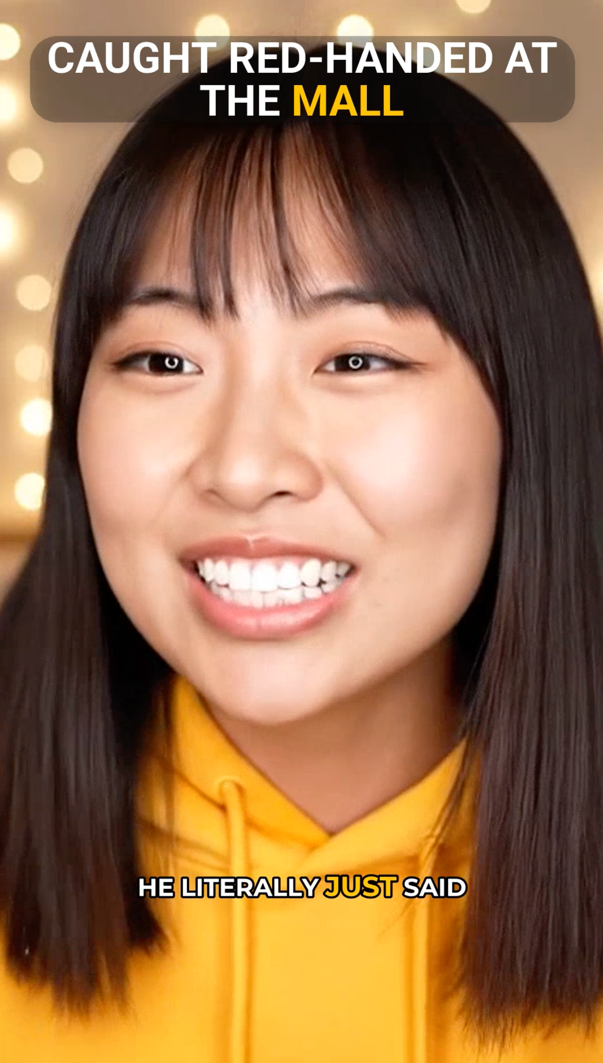
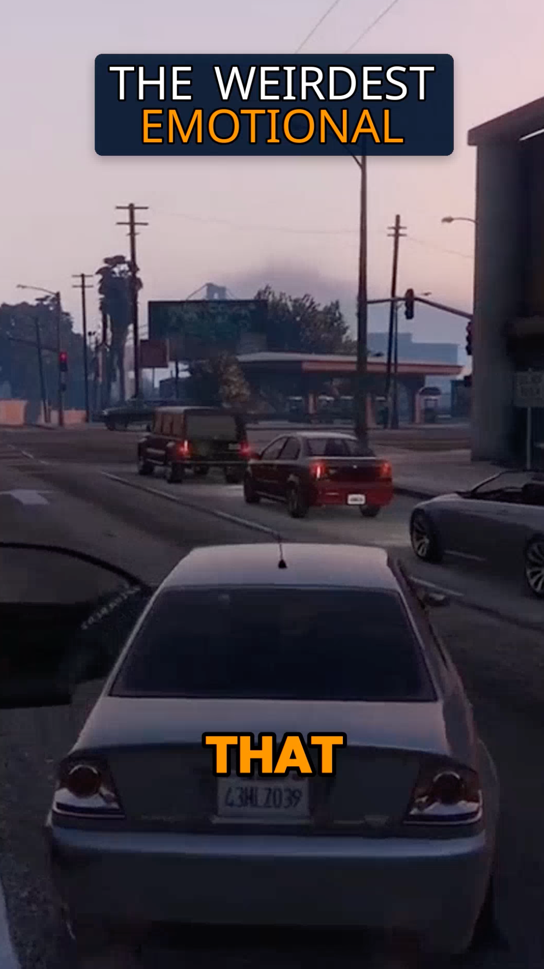
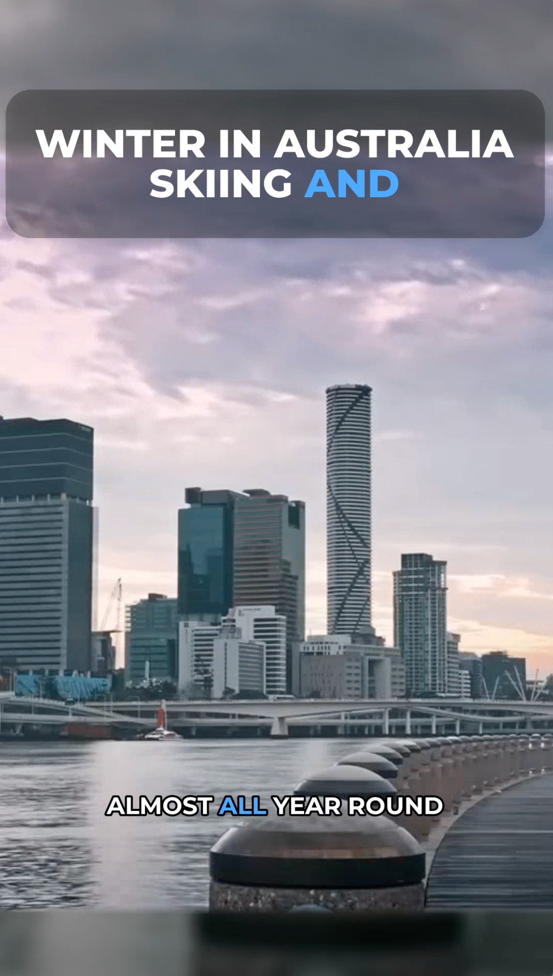
Create more content
Turn one video into 10-30 clips you can publish across platforms.
Save time
Skip manual editing and get ready-to-post clips automatically.
Grow faster
Keep daily short-form output and stay consistent with your audience.
Webinar highlight clips: which moments work as Shorts
A 60–90 minute webinar usually hides 5–15 moments that make sense on their own: a clear answer to an audience question, a framework explained in under a minute, a surprising number, a short demo. Vyexa looks for exactly these self-contained segments in the transcript, trims each one so it starts on the hook instead of on "so, as I was saying", and exports it as a 9:16 clip with burned-in subtitles.
If your webinar is built around slides, choose the Education layout: the slide stays readable at the top and the speaker sits below it, so viewers on TikTok or Reels see both. For a panel or a two-host session, the Split layout stacks two speakers one above the other. And if you only need one part of the recording, such as the Q&A, mark that time range and Vyexa will search for highlights only inside it.
Other recordings you can cut into shorts
Vyexa works the same way for a podcast episode and for an interview: upload the recording, pick the look on the Clip Setup page and download the clips.
FAQ
Can Vyexa handle webinars in different languages?
Yes, Vyexa auto-generates burned-in subtitles in multiple languages, making your webinar shorts accessible to a broader audience.
Do I need video editing experience to use Vyexa?
No. Vyexa's AI finds the moments, adds subtitles and crops to 9:16, so you do not need any video editing skills.
How many shorts can I create for free each month?
New and beginner creators get up to 20 free shorts a month in the web app; the quota resets every month. Free clips carry a Vyexa watermark — paid monthly plans remove it and add more clips.
Is Vyexa available on mobile devices?
Yes. Besides the web app there is a Vyexa Telegram bot with no installation: send it a video and it returns vertical shorts of about 30 seconds. The first video in the bot is free, one per person; layouts and subtitle styles are chosen in the web app.
How do I convert a webinar recording to TikTok clips?
Upload the recording to Vyexa, choose a layout and the subtitle style on the Clip Setup page and start generation. Vyexa returns vertical 9:16 clips with subtitles — download them and post to TikTok, Reels or YouTube Shorts, no manual cutting needed.
How do I turn a webinar into highlight clips?
Upload the webinar recording to Vyexa, pick a layout on the Clip Setup page (Education keeps slides readable above the speaker, Split stacks two panelists) and start generation. The AI picks self-contained highlights, adds subtitles and exports vertical 9:16 clips you can download.
Can AI turn a webinar into short clips automatically?
Yes. Vyexa transcribes the webinar, finds the strongest self-contained moments and cuts them into vertical clips with burned-in subtitles.
Free plan available · Paid plans from $15/mo · See pricing