
Turn an Interview into Shorts
Automatically Identify and Extract Highlight Moments
Vyexa’s AI technology scans your long-form interview videos to detect viral and highlight moments automatically. This means you don’t have to manually search through hours of footage to find the best parts. The tool generates vertical 9:16 clips that are perfectly formatted for popular short-form video platforms. You can rely on Vyexa to deliver clips that capture attention and fit the style of TikTok, Instagram Reels, and more. This automated approach saves time and ensures your content is optimized for maximum engagement.
Customize Your Shorts with Visual Styles and Subtitles
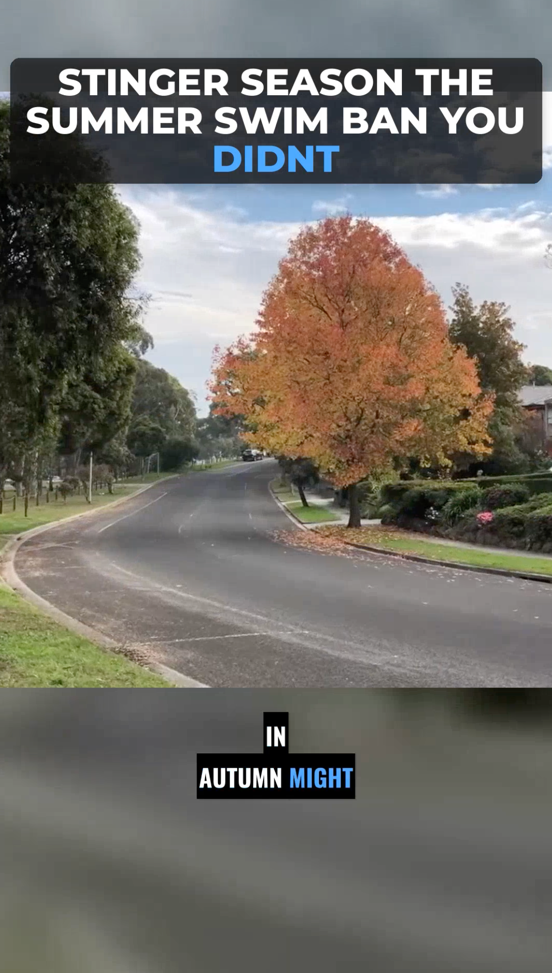
Beyond just cutting clips, Vyexa offers multiple visual style templates to customize the look of your shorts. You can choose subtitle formats, title styles, and rhythm settings to match your brand or personal style. The AI also auto-generates burned-in subtitles in multiple languages, making your content accessible to a wider audience. Key words in titles and subtitles are highlighted with color to emphasize important points. These features help your interview shorts stand out and communicate clearly, even without sound.
Control the look of your clips
On the Clip Setup page, right after upload, you choose how the clips look before anything is generated: the layout (Auto adapts shot by shot, Split stacks two people, Full lets a single speaker fill the frame), the subtitle style and position, the title style or no title at all, the font and the highlight colour for key words, all with a live preview. Under Advanced you can also set the clip length, the number of clips and the language.
Why creators use Vyexa
More clips. Less editing. Steady growth.
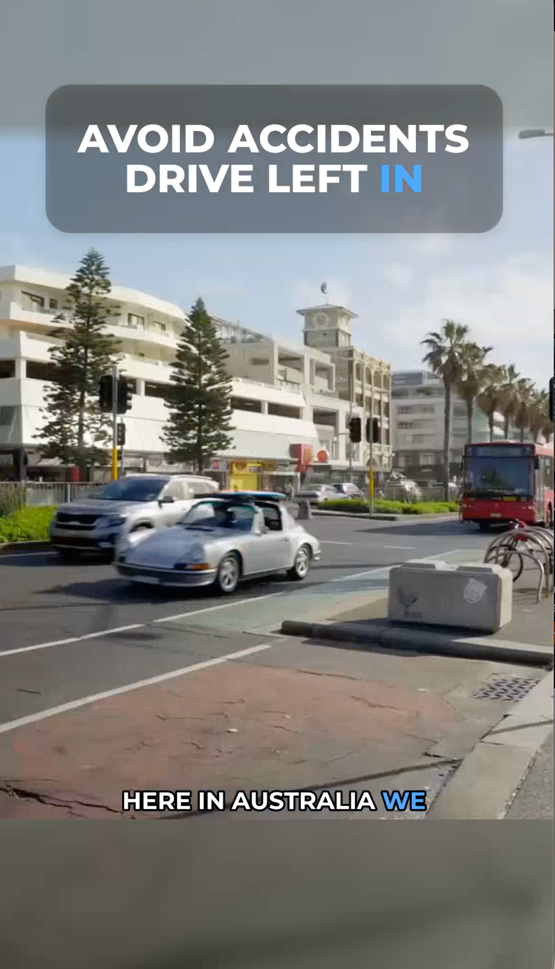
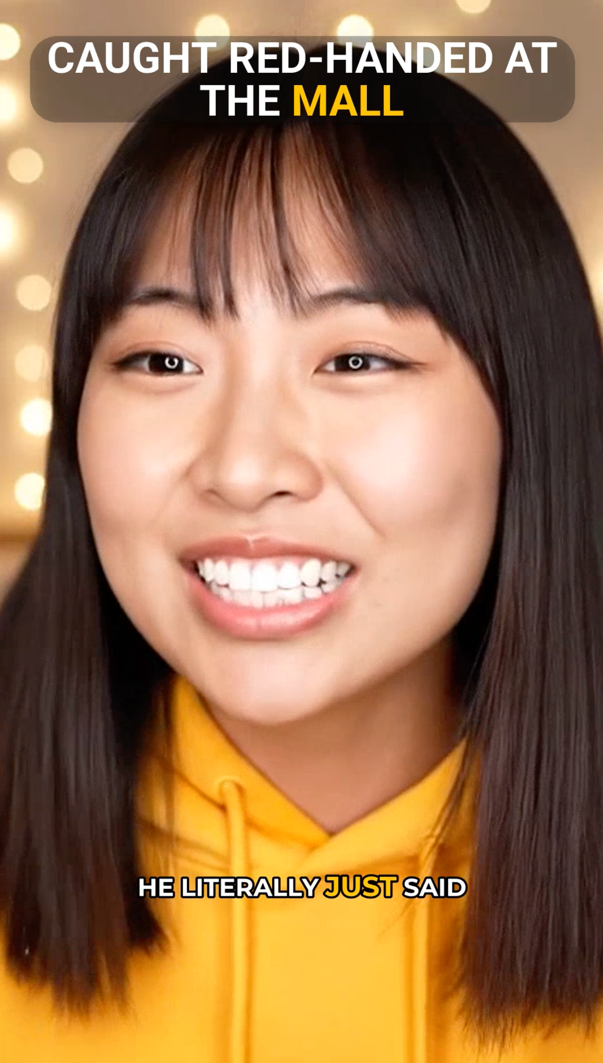
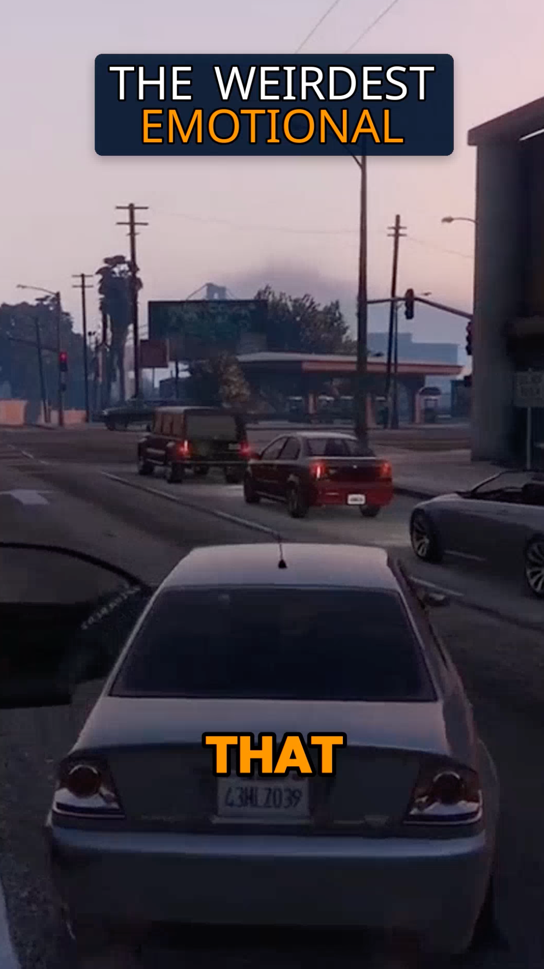
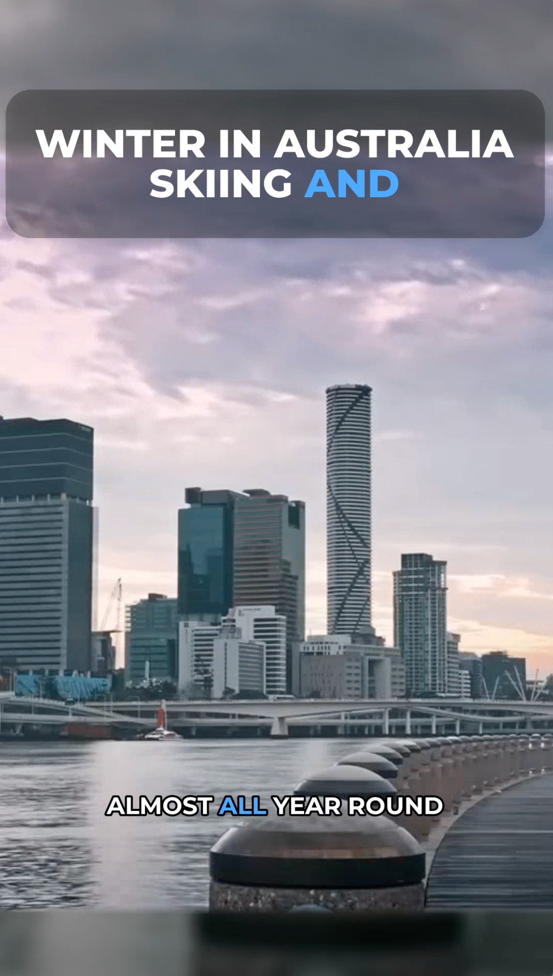
Create more content
Turn one video into 10-30 clips you can publish across platforms.
Save time
Skip manual editing and get ready-to-post clips automatically.
Grow faster
Keep daily short-form output and stay consistent with your audience.
Easy Access via Web App and Telegram Bot
Vyexa is available as a web app at vyexa.net where you can upload your interview videos, generate clips, preview them, and download the final shorts. For mobile users, the full functionality is also accessible through a Telegram bot, requiring no installation. This makes it convenient to create and share interview shorts from anywhere. New and beginner creators can generate up to 20 free shorts per month, with monthly quotas resetting to encourage consistent posting. Paid plans are available for higher volume needs.
More recordings you can turn into shorts
Working with a recorded session instead? See how to turn a webinar into highlight clips, or how to turn a podcast episode into shorts.
FAQ
Can Vyexa automatically find the best parts of my interview to create shorts?
Yes, Vyexa’s AI automatically detects viral and highlight moments within your long interview videos to create engaging short clips without manual searching.
Are subtitles included in the clips generated by Vyexa?
Vyexa auto-generates burned-in subtitles in multiple languages, with options to customize subtitle style and highlight key words for better viewer engagement.
How many free shorts can I create each month with Vyexa?
New and beginner creators can generate up to 20 free shorts per month. This quota resets monthly to support consistent content creation.
Can I choose how my interview shorts look?
Yes. On the Clip Setup page you pick the layout, subtitle style, title style, font and highlight colour, and under Advanced the clip length, number of clips and language.
Is Vyexa accessible on mobile devices?
Vyexa is fully accessible via a Telegram bot that requires no installation, making it easy to create and manage shorts directly from your mobile device.
Free plan available · Paid plans from $15/mo · See pricing