
Telegram Shorts: an AI Bot That Turns Your Video into Short Clips
When you want full control — how many clips, which layout, subtitle and title styles — continue in the Vyexa web app, where new creators get up to 20 free shorts a month.
What the Telegram shorts bot does
The bot is the quickest way to try Vyexa. Open it in Telegram, send a horizontal video and wait: it cuts the video into vertical 9:16 shorts of about 30 seconds and sends them back to the same chat. There is nothing to install and no account or email to create — it works the same on your phone and on desktop.
Each person gets one free video in the bot. The bot does not sell anything: after the free video it points you to the Vyexa web app, where you can keep going.
Telegram bot or web app: which one to use
Use the bot when you want to see results from one video right now, with zero setup.
Use the web app at vyexa.net when you publish regularly. There you upload a video, and on the Clip Setup page you pick the layout (Auto, Full, Split for two people on screen, Stream for facecam and gameplay, Education for slides plus speaker, or a framed 70/50/40% strip), the subtitle and title style, the font and the highlight colour for key words — with a live preview — and, under Advanced, the number of clips and the language. The AI then finds the strongest moments and exports vertical clips with burned-in subtitles.
The web app gives new and beginner creators up to 20 free shorts a month; the quota resets monthly. Free clips carry a Vyexa watermark, and paid monthly plans remove it and add more clips.
Why creators use Vyexa
More clips. Less editing. Steady growth.
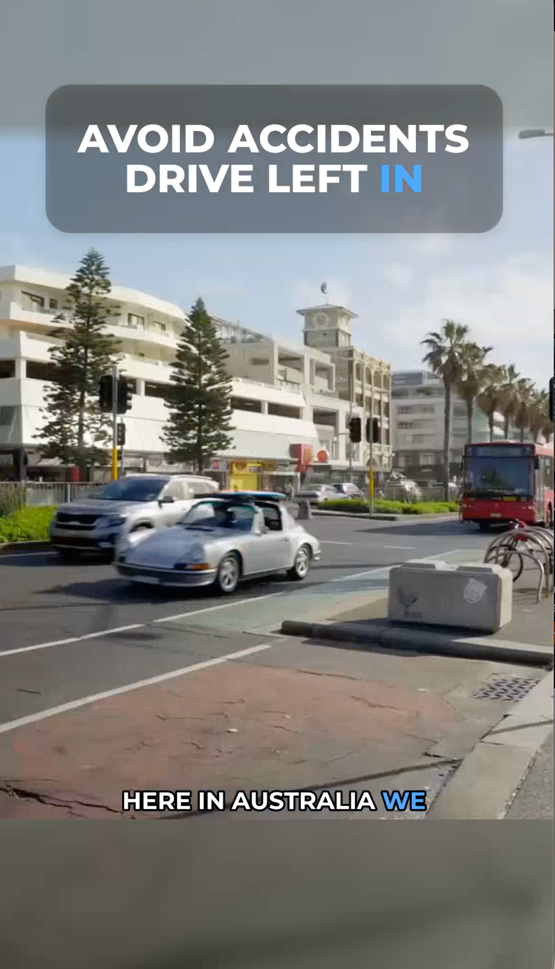
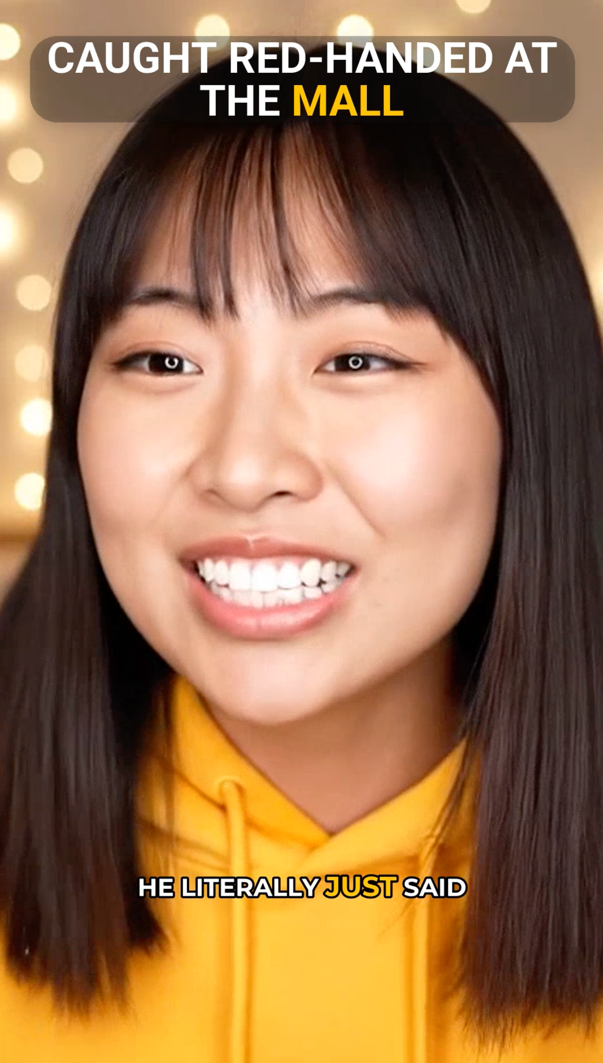
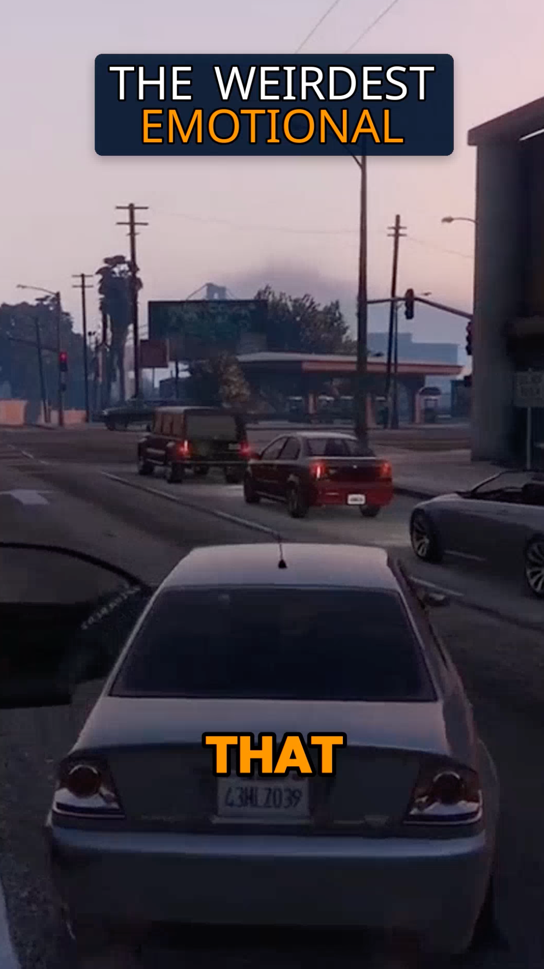
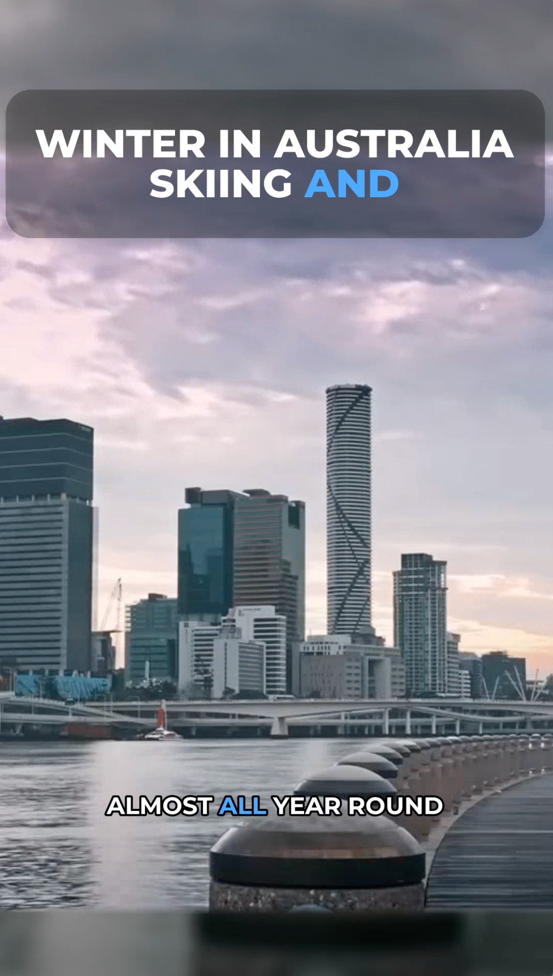
Create more content
Turn one video into 10-30 clips you can publish across platforms.

Save time
Skip manual editing and get ready-to-post clips automatically.
Grow faster
Keep daily short-form output and stay consistent with your audience.
How to make short videos in Telegram, step by step
1. Open @vyexa_shorts_en_bot in Telegram and press Start.
2. Send a long horizontal video to the chat.
3. Wait while the bot prepares vertical shorts of about 30 seconds.
4. Download the clips from the chat and post them to YouTube Shorts, TikTok, Instagram Reels or Facebook Reels.
5. Want more clips, other layouts or your own subtitle style? Sign up on vyexa.net and upload the next video there.
FAQ
Can I make short videos in Telegram?
Yes. Send a long video to the Vyexa Shorts bot and it sends back vertical 9:16 shorts of about 30 seconds that you can post to YouTube Shorts, TikTok, Instagram Reels or Facebook Reels.
Is there an AI bot that makes Shorts in Telegram?
The Vyexa Shorts bot (@vyexa_shorts_en_bot) does it inside Telegram: you send a video, it returns ready vertical shorts. No app to install and no sign-up.
Is the Telegram shorts bot free?
Your first video is free, one per person. The bot has no paid plan: after the free video it points you to the Vyexa web app, where new creators get up to 20 free shorts a month (free clips carry a Vyexa watermark).
What is the difference between the bot and the Vyexa web app?
The bot is the fast way to try one video. The web app adds the controls: number of clips, layouts (Auto, Full, Split, Stream, Education, framed strips), subtitle and title styles, fonts and highlight colours with a live preview.
Do I need a Vyexa account to use the bot?
No. The bot works with your Telegram account; an account on vyexa.net is only needed when you move to the web app.
Free plan available · Paid plans from $15/mo · See pricing