
How to Add Multilingual Subtitles to Instagram Reels
Step 1: Prepare Your Long-Form Horizontal Video
Start by selecting the long-form horizontal video you want to convert into Instagram Reels. Ensure the video content is engaging and contains clear audio for accurate subtitle generation. You can upload videos in common formats such as MP4 or MOV. Having a well-prepared source video will improve the quality of the final short clips with subtitles.
Step 2: Upload Your Video to Vyexa Web App or Telegram Bot
Access Vyexa through its web app at vyexa.net or use the Telegram bot for a mobile-friendly experience. Upload your chosen video file to the platform. Vyexa’s AI will automatically analyze the video to detect viral or highlight moments, which are ideal for short clips. This step sets the foundation for creating vertical 9:16 clips optimized for Instagram Reels and other short-form platforms.
Step 3: Generate Vertical Clips with Auto-Detected Highlights
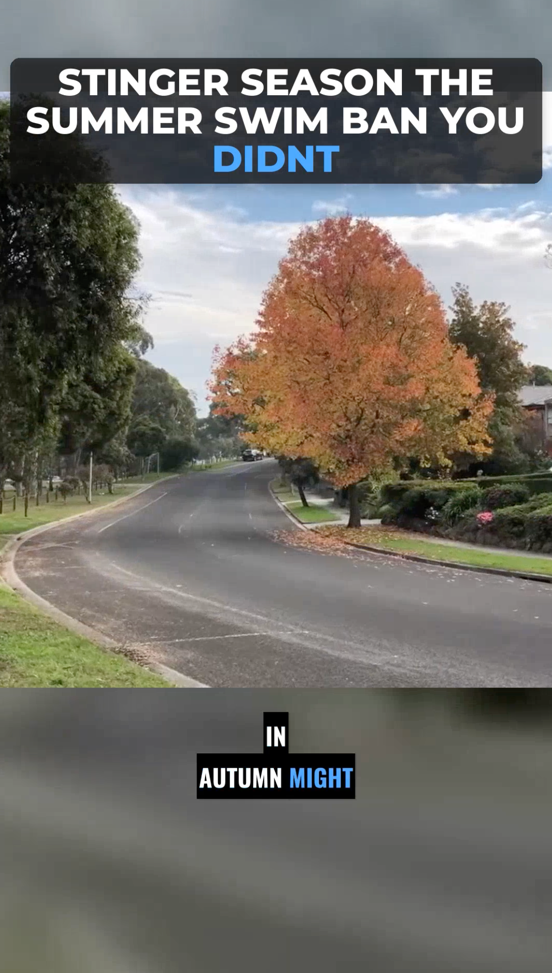
Once the video is uploaded, Vyexa’s AI will generate vertical clips by cropping and formatting the original horizontal video into the 9:16 aspect ratio. You can choose to use the automatic highlight detection or switch to manual mode to split the video into specific parts or cut fragments by timecodes. This flexibility allows you to tailor the clips to your content strategy.
Why creators use Vyexa
More clips. Less editing. Steady growth.
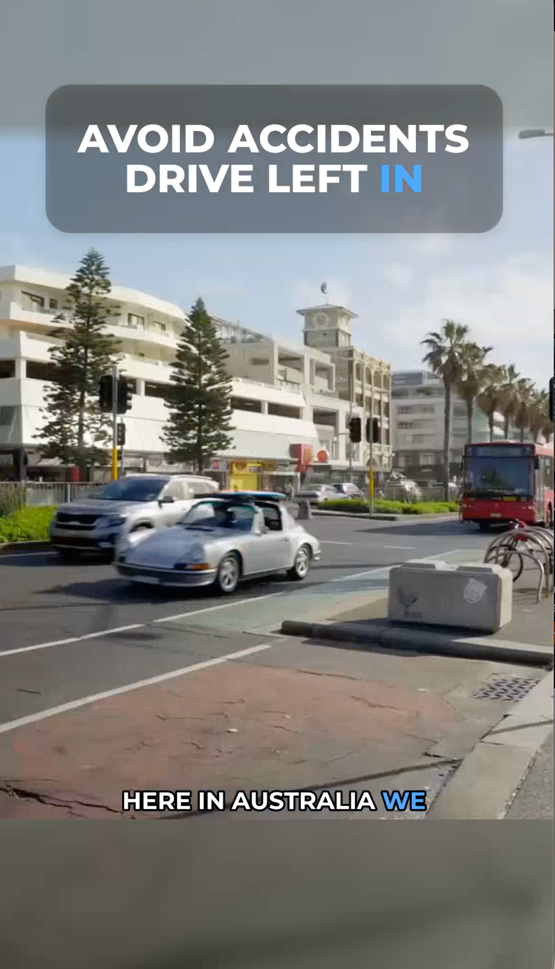
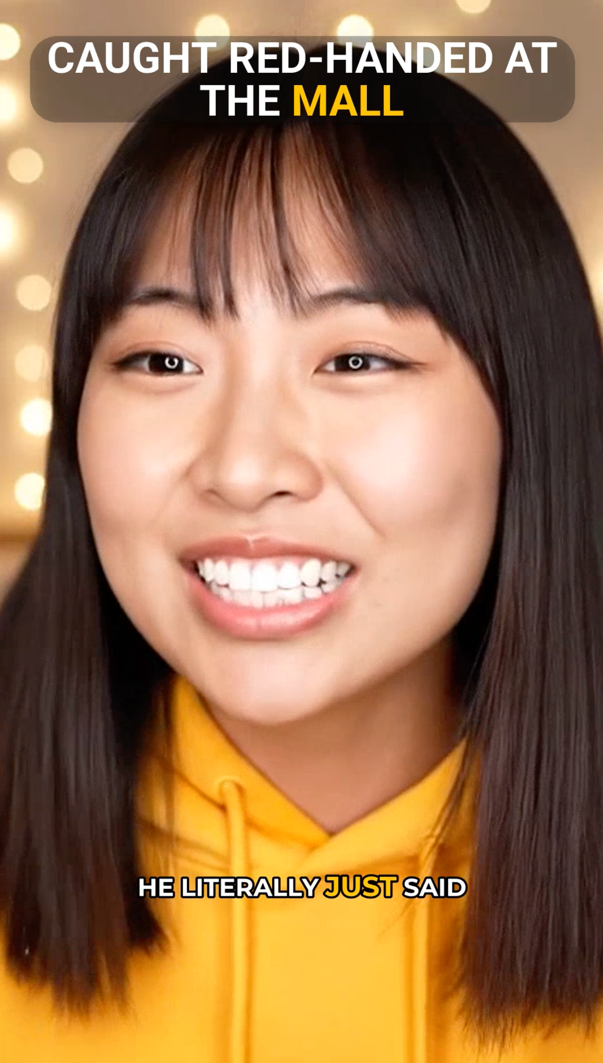
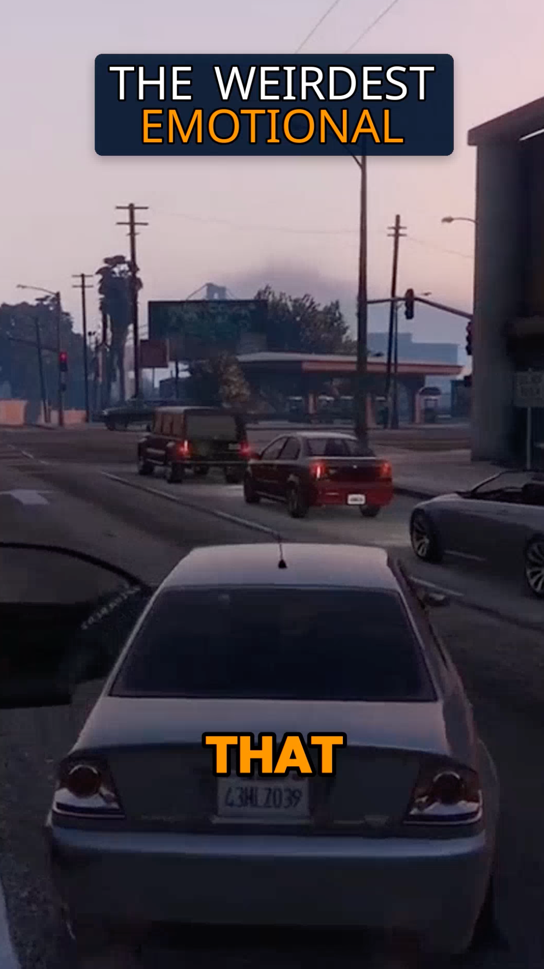
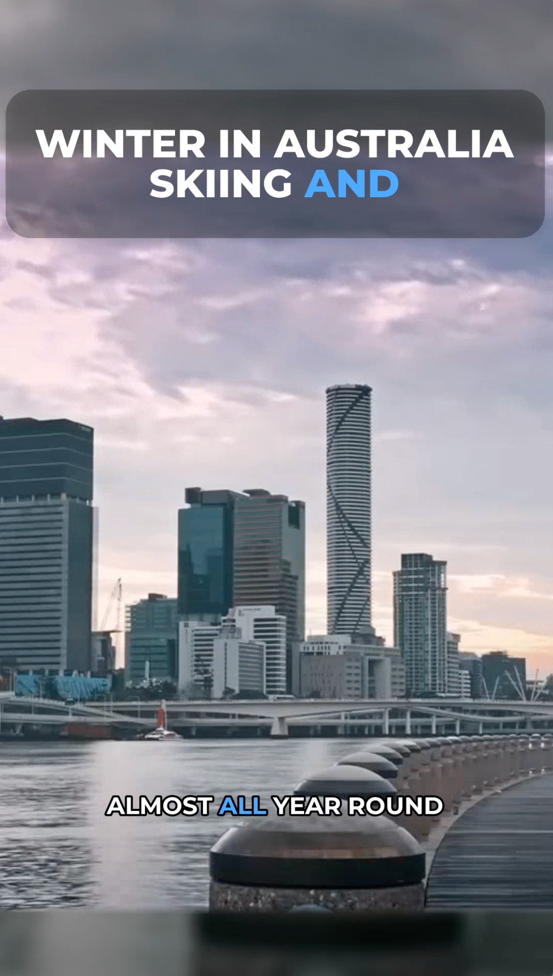
Create more content
Turn one video into 10-30 clips you can publish across platforms.
Save time
Skip manual editing and get ready-to-post clips automatically.
Grow faster
Keep daily short-form output and stay consistent with your audience.
Step 4: Enable Multilingual Subtitles and Customize Appearance
In the Clip Constructor section, activate the subtitle feature to auto-generate burned-in subtitles. Vyexa supports multiple languages, so select the languages you want for your subtitles. Customize the font, subtitle position, and highlight colors to ensure the text is readable and visually appealing on Instagram Reels. The live preview feature helps you see changes in real time before finalizing the clip.
Step 5: Review, Download, and Upload to Instagram Reels
After customizing your clips and subtitles, review the final video to ensure everything looks correct. Download the vertical clips with multilingual subtitles directly from Vyexa. Finally, upload the clips to Instagram Reels. Adding subtitles makes your content accessible to a broader audience, including viewers who watch without sound or speak different languages.
FAQ
Can Vyexa automatically detect the best parts of my video for Instagram Reels?
Yes, Vyexa uses AI to auto-detect viral or highlight moments in your long-form videos, making it easy to create engaging short clips for Instagram Reels.
How many free clips can I create with Vyexa each month?
Vyexa offers up to 20 free short clips per month for new and beginner creators, with the quota resetting every month to encourage consistent posting.
Does Vyexa support subtitle customization?
Yes, Vyexa allows you to customize subtitle font, style, position, and highlight colors to match your branding and ensure subtitles are clear and attractive.
Can I add subtitles in multiple languages to a single clip?
Vyexa supports auto-generating burned-in subtitles in multiple languages, helping you reach a broader international audience with your Instagram Reels.
Is Vyexa available on mobile devices?
Vyexa is accessible via a Telegram bot that offers full functionality without installation, making it convenient to create and edit clips on mobile devices.
Free plan available · Paid plans from $15/mo · See pricing