
Vyexa now works with Zapier: every new clip goes where you need it
Blog · · Vyexa team · 3 min read
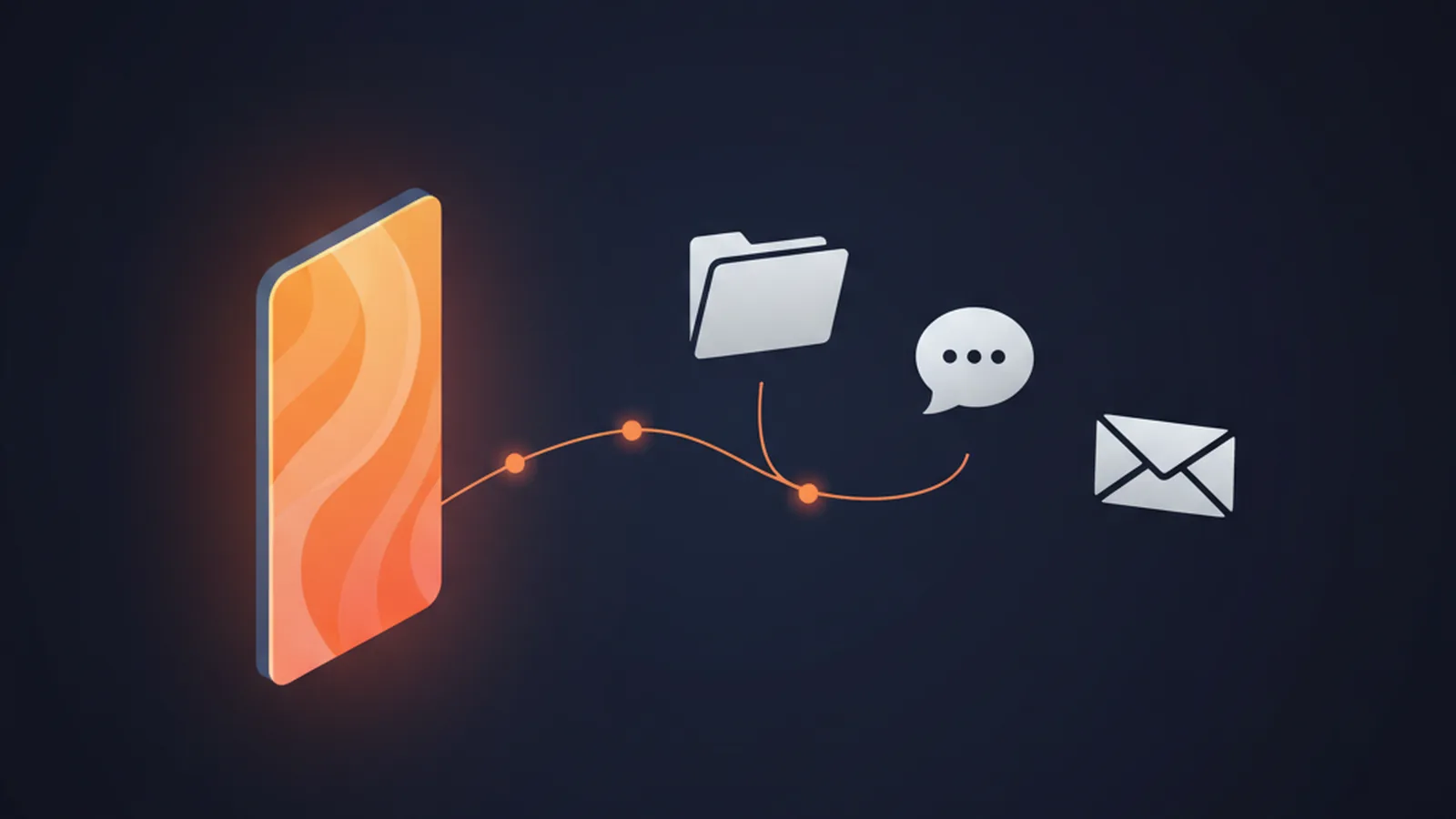
Vyexa now connects to Zapier. When a clip is ready, Zapier can pick it up and pass the MP4 to another app: a Google Drive folder, a Slack channel, an email, a spreadsheet row. You set it up once and stop downloading clips by hand.
The integration is in early access. It is not in the public Zapier directory yet, so you add it with an invite link. Below: what it does, how to set it up in five minutes, and what it does not do.
What you can build
- New clip → Google Drive or Dropbox. Every finished clip lands in a folder your editor or client already watches.
- New clip → Slack or email. The team gets the file and the title the moment it is ready.
- New clip → a scheduling tool. If you already plan posts in a scheduler that Zapier supports, the clip can go straight into its queue.
- New video on your channel → Vyexa. A new upload on your YouTube channel starts clipping on its own, and the first Zap delivers the result.

What is inside
- Trigger «New Clip». Fires for every finished clip in your account, whether you made it on the website or through the API. It carries the title, the length, the source video link and the file itself.
- Action «Create Clips From Video». Sends a video link to Vyexa. You can set the number of clips, the language, the layout, the subtitle and title style and the font. Leave them empty and Vyexa decides.
- Search «Find Job». Returns the status of a job and how many clips are ready.
Set it up
- Open vyexa.net/zapier and accept the invite in your Zapier account.
- In Vyexa, open Dashboard → API keys and create a key. It starts with
vx_and is shown once, so copy it right away. - In Zapier, create a Zap, choose Vyexa and the «New Clip» trigger, and paste the key when it asks you to connect.
- Add the second step: the app that should receive the clip. For the file, pick the «File» field from the Vyexa step.
- Turn the Zap on.
It works on the Free plan too, with the same limits as the website: the same clip balance and the watermark on Free clips.
What it does not do
- It is not instant. Zapier checks for new clips on a schedule: every 15 minutes on its free plan, more often on paid ones. Expect the clip in the next step a few minutes after it is ready.
- Vyexa does not post to social networks itself. The clip goes to the app you pick in Zapier, and that app publishes it. Which networks you can reach depends on what that app supports.
- «Create Clips» does not return the clips. Cutting a video takes minutes, so the action only starts the job. The clips arrive through the «New Clip» trigger in another Zap.
- Very large files are untested. In our test a 44 MB clip went through. We have not checked where Zapier's own file limit sits for longer clips.
If you would rather call the API yourself, the same data is in the API documentation. If you hand clips to a person and not to an app, see how to share clips by link.
Try it: vyexa.net/zapier. If something does not work, write to support@vyexa.net — the integration is new and we fix it fast.