
How to send finished clips to a client or an editor: one link, no account needed
Blog · · Vyexa team · 3 min read
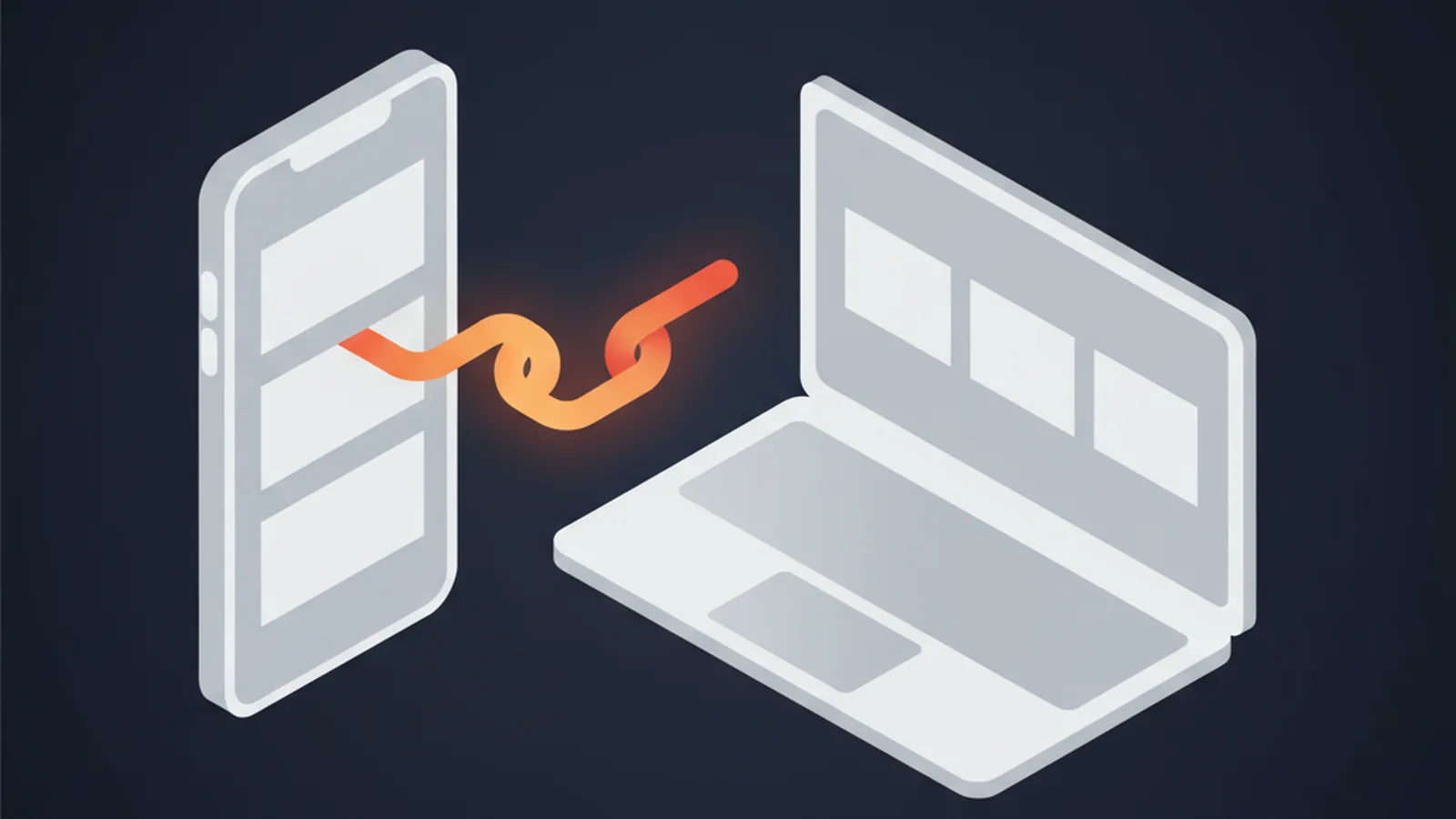
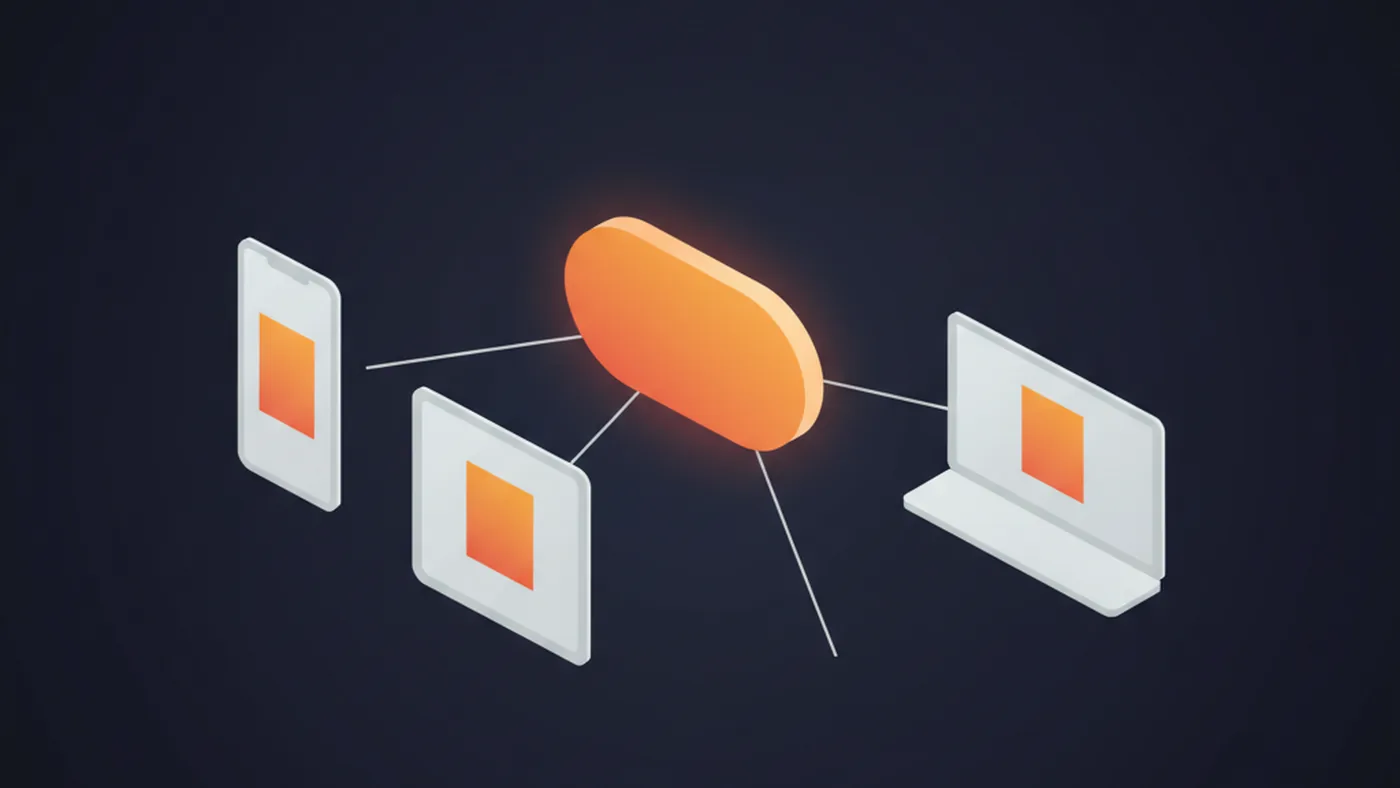
To send finished clips to a client or an editor, you do not have to give them your password or attach twenty files to an email. In Vyexa press «Share» on the project's results page and send the link: they open it, watch every clip and download the ones they need, without an account.
Below: how it works, who sees what, and how to take the link back.
The usual ways are clumsy
- Attaching clips to an email hits the size limit after two or three videos.
- Re-uploading them to a shared drive means downloading everything first and keeping two copies in sync.
- Sharing your login gives someone access to your balance, settings and every other project.
A link to one project avoids all three.
How to share
- Open the project in My Videos.
- Press «🔗 Share». The link is created at once.
- Press «Copy link» and send it however you like: chat, email, a task in your tracker.
It is available on every plan, Free included.
What the other person sees
- A clean page with the ready clips of that one project: each clip plays in the page and has a Download button.
- Clips exactly as they are. Clips made on Free keep the watermark.
- Clips you make later in the same project appear on the same link.
- Nothing else: not your other projects, not your balance, not your settings. They cannot edit or delete anything.
Privacy and how long it lives
- The address is a long random code, so it cannot be guessed. Anyone you forward it to can open it, so treat it like the files themselves.
- The page is hidden from search engines.
- «Turn off link» stops it immediately. If you share again, you get a new address and the old one stays dead.
- The link lives as long as the project is stored: 3 days on Free, 7 days on paid plans. After that it shows that the link is not available, so ask your client to download what they need in time.
We have not measured yet how often links are opened, so we give no figure for it.
Your source videos are on Google Drive or Dropbox? You can import them by link instead of downloading them first.
Try it: make clips at vyexa.net and share the first project. Free needs no card.