
How to Use AI to Highlight Viral Moments in Long Videos
1. Upload Your Long-Form Horizontal Video
Start by uploading your long horizontal video to an AI-powered tool such as Vyexa. You can use the web app at vyexa.net or the Telegram bot for convenience and mobile access. Uploading the video is straightforward: simply select your file and wait for it to process. The tool supports various video formats and prepares the content for AI analysis.
2. Let AI Automatically Detect Viral and Highlight Moments
Once your video is uploaded, Vyexa’s AI scans the footage to identify viral or highlight moments. It analyzes engagement potential based on visual and audio cues to find the most captivating segments. This automated detection saves you from manually searching through long videos, allowing you to focus on content strategy instead.
3. Customize Your Vertical Short Clips
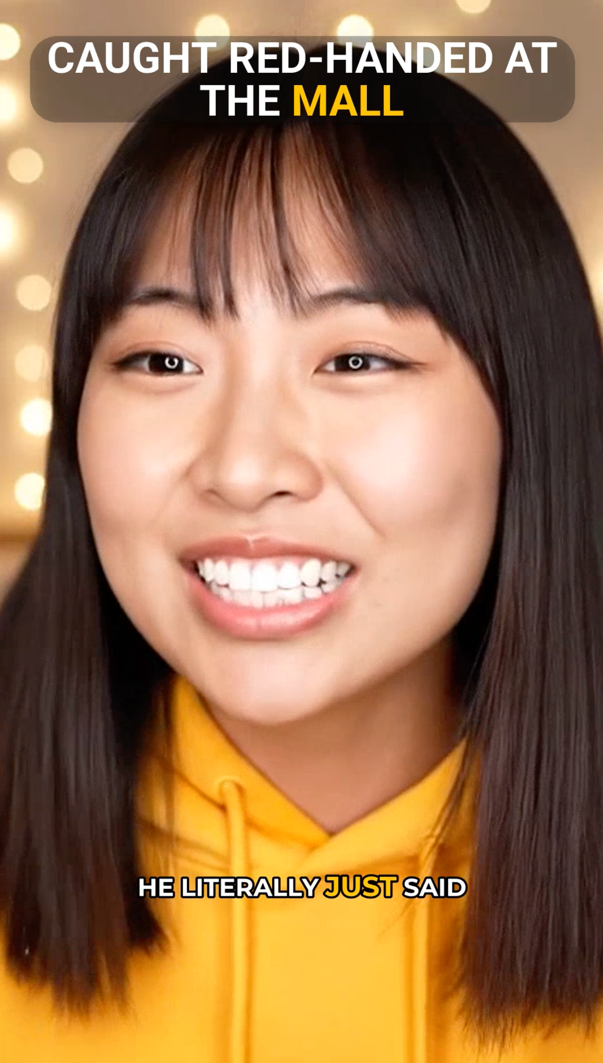
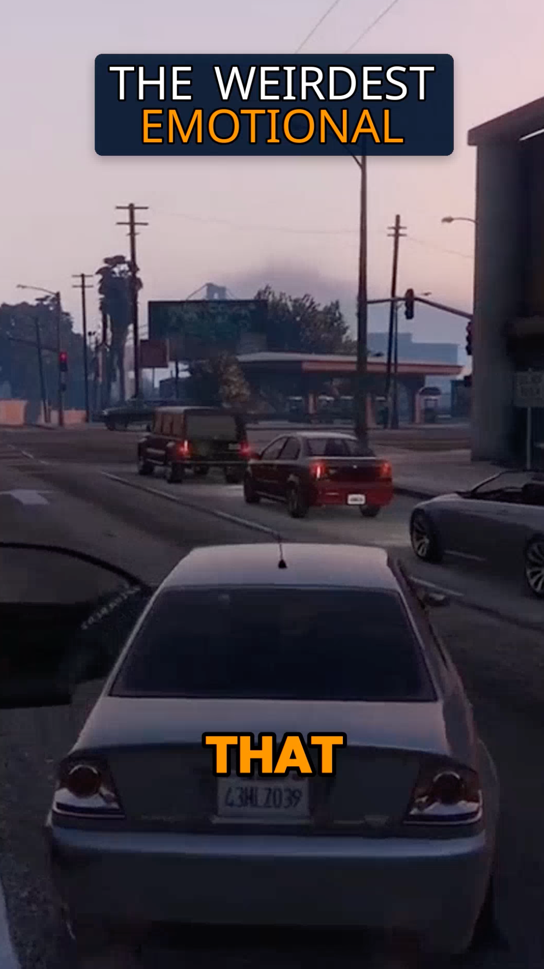
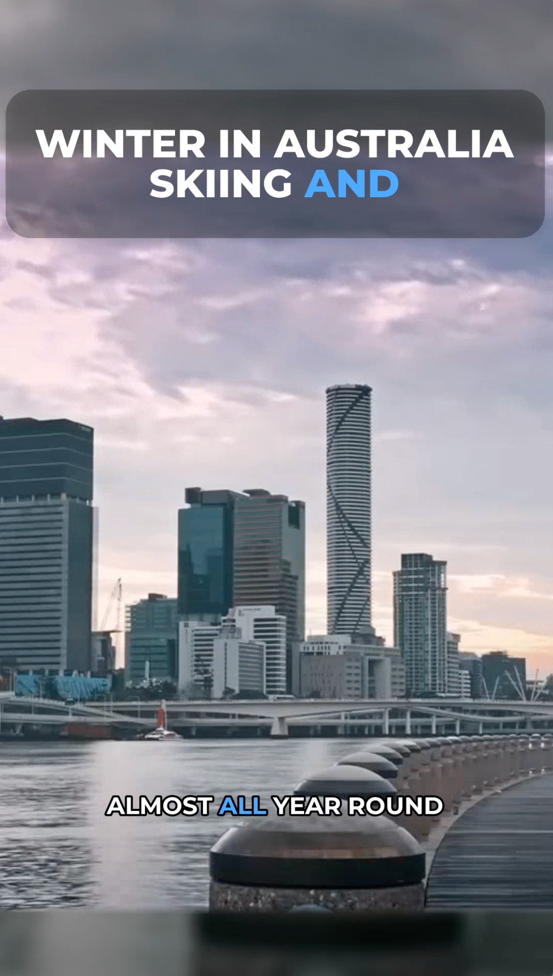
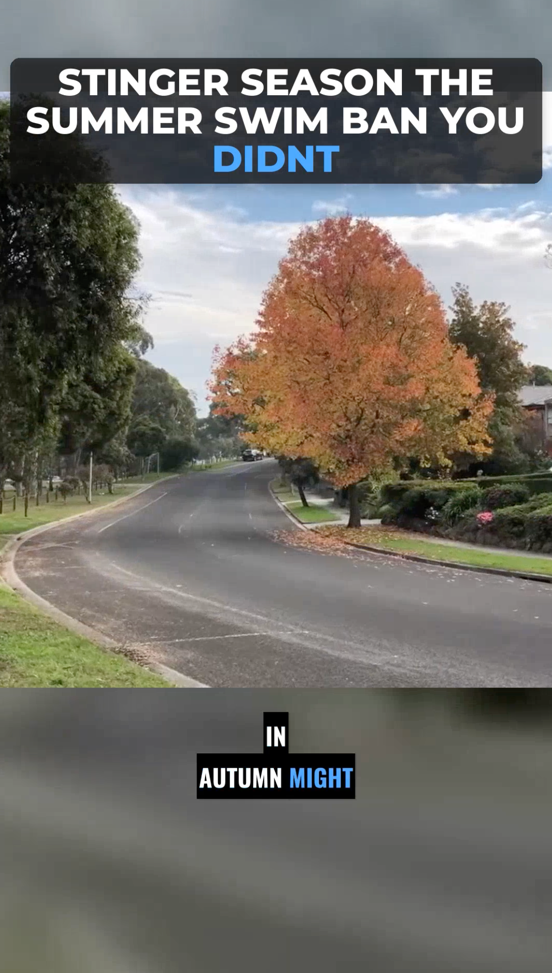
After the AI selects key moments, you can customize the output clips. Vyexa offers a Clip Constructor feature where you can adjust font styles, subtitle positions, title styles, and highlight colors. This customization helps ensure your clips match your branding and stand out on platforms like TikTok, YouTube Shorts, and Instagram Reels. You can preview changes live before finalizing.
Why creators use Vyexa
More clips. Less editing. Steady growth.

Create more content
Turn one video into 10-30 clips you can publish across platforms.

Save time
Skip manual editing and get ready-to-post clips automatically.
Grow faster
Keep daily short-form output and stay consistent with your audience.
4. Use Manual Mode for Specific Edits
If you prefer more control, Vyexa provides manual options to split your source video into a chosen number of parts or cut specific fragments using timecodes. This flexibility lets you create clips tailored exactly to your needs, whether you want to highlight a particular moment or break down content into smaller pieces.
5. Generate and Download Ready-to-Post Vertical Clips
Once your clips are set, Vyexa generates vertical 9:16 videos with burned-in subtitles available in multiple languages. You can toggle the auto-generated title on or off depending on your preference. After generation, download the clips directly from the web app or Telegram bot. These clips are optimized for immediate posting on all major short-form video platforms.
FAQ
Can I use Vyexa for free to create viral short clips?
Yes, Vyexa offers up to 20 free short clips per month for new and beginner creators. This quota resets monthly, allowing you to post consistently without immediate cost.
Does Vyexa support multiple languages for subtitles?
Vyexa automatically generates burned-in subtitles in multiple languages, making your clips accessible to a wider audience across different platforms.
Is it possible to manually select which parts of the video to clip?
Yes, Vyexa includes a manual mode where you can split videos into a specific number of parts or cut fragments by entering exact timecodes for precise editing.
What platforms are the vertical clips optimized for?
The vertical 9:16 clips created by Vyexa are optimized for TikTok, YouTube Shorts, Instagram Reels, and Facebook Reels, ensuring the best viewing experience on these platforms.